
About The Film
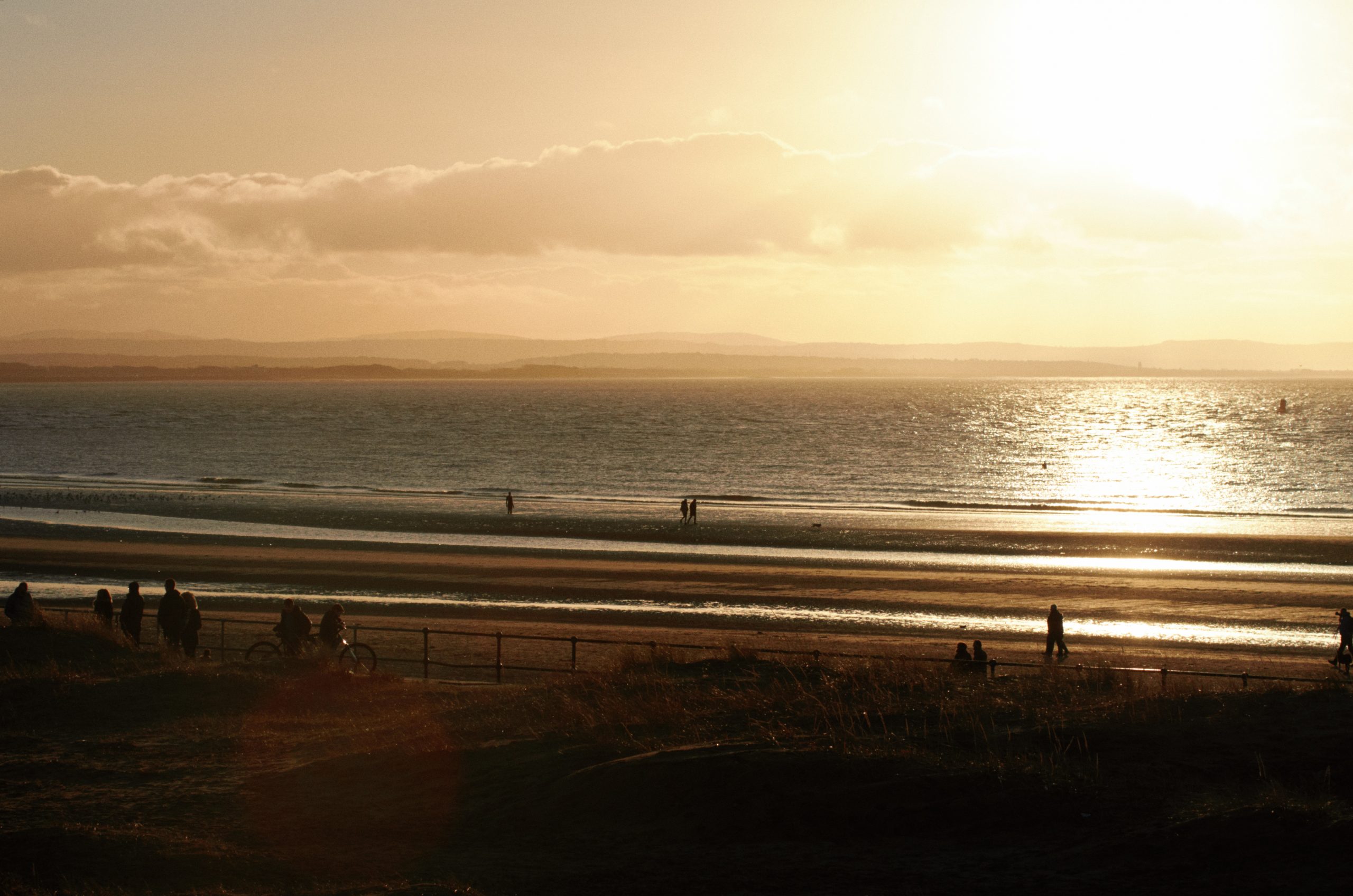
Ektar 100 is one of the most modern and advanced film stocks on the market, introduced by Kodak in 2008. A product of the digital age, it’s optimised to be highly scannable, with incredibly fine grain and rich colour. Of course, as a colour negative film it still has a unique and distinctive look, noticeably different from results you’d get with any digital camera. Foliage takes on a crisp, bright look with a hint of cyan, blue skies increase in drama, and warm tones shift towards pink. Depending on shooting conditions and scanning, you’ll often get an overall cool look, sometimes with a magenta cast.
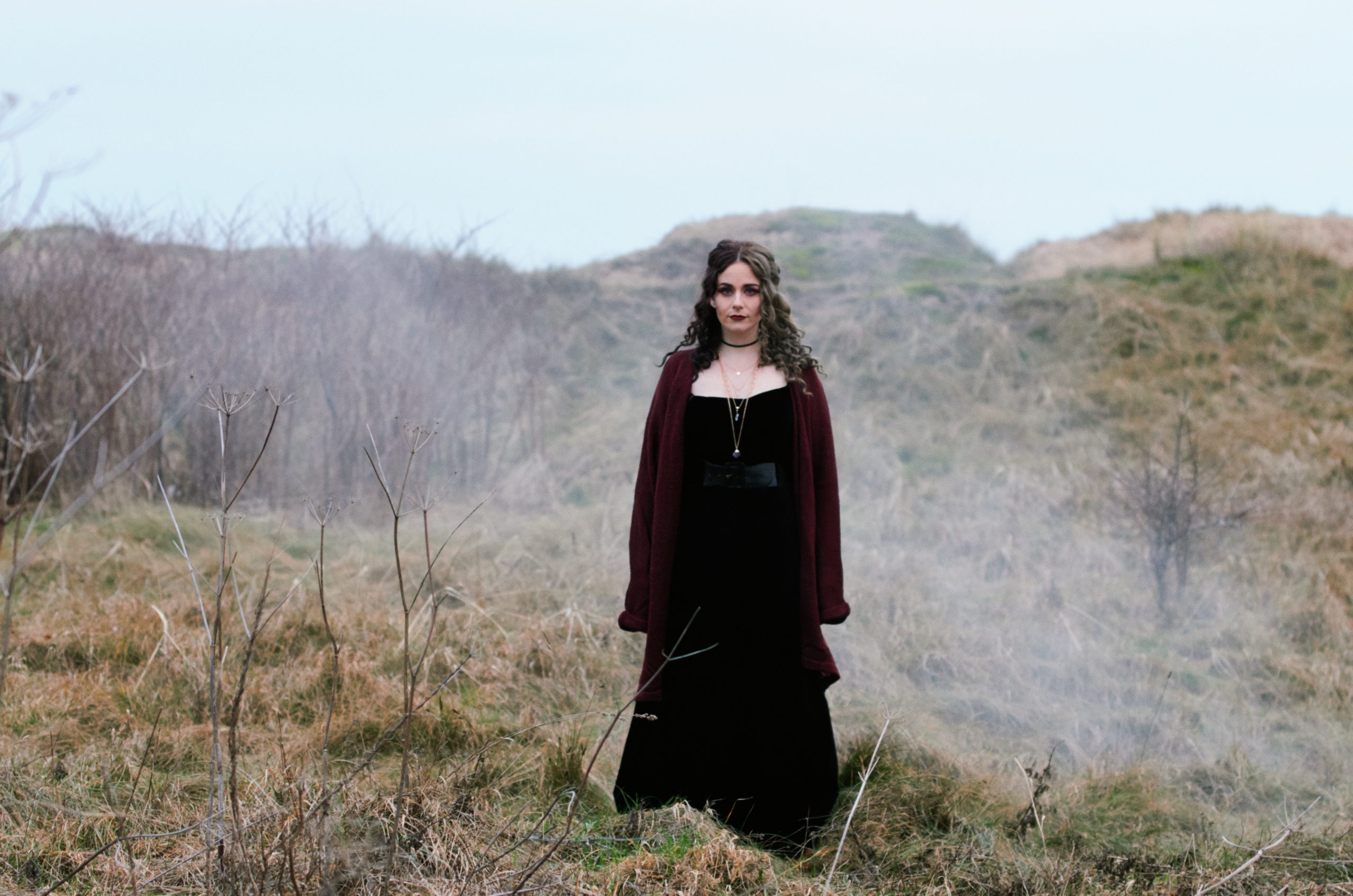
This vivid character is ideal for landscapes, snapshots, still life etc, though many photographers shy away from using it for portraits – sometimes the pink tones can give skin a garish look. However, with the right scanning settings it can be a wonderful film for photographing people too.
OUR EMULATION
We shot and scanned a variety of test scenes on Ektar 100, covering a range of typical shooting and lighting conditions (along with matching shots on digital). After many late nights of studying and tweaking, we ended up with 11 unique colour profiles.
Lightroom supports these natively, but getting them into Capture One is a lot less simple. Although it supports ICC profiles, these also have to handle the basic initial raw adjustments, which are different for every camera.
So we spent many long hours analysing the output of different cameras to find a suitable neutral ‘middle ground’ – a base profile which would give good results with any camera – to build our colour profiles upon. In the end we’re really happy with the results; each camera will have a slightly different look, but they’re no stronger than the differences you can get developing and scanning film. As far as we know, this is the first time anyone’s done film emulation in Capture One with this method, but we think the extra effort paid off.
One lovely bonus is that our Capture One and Lightroom styles duplicate each other almost perfectly, so users switching from one to another (or using both) can get matching results. Below we’ll explain a bit more about the technical stuff and – much more importantly – how you can use the results of our complicated nerdy work to make your pictures look good.






Comments0