
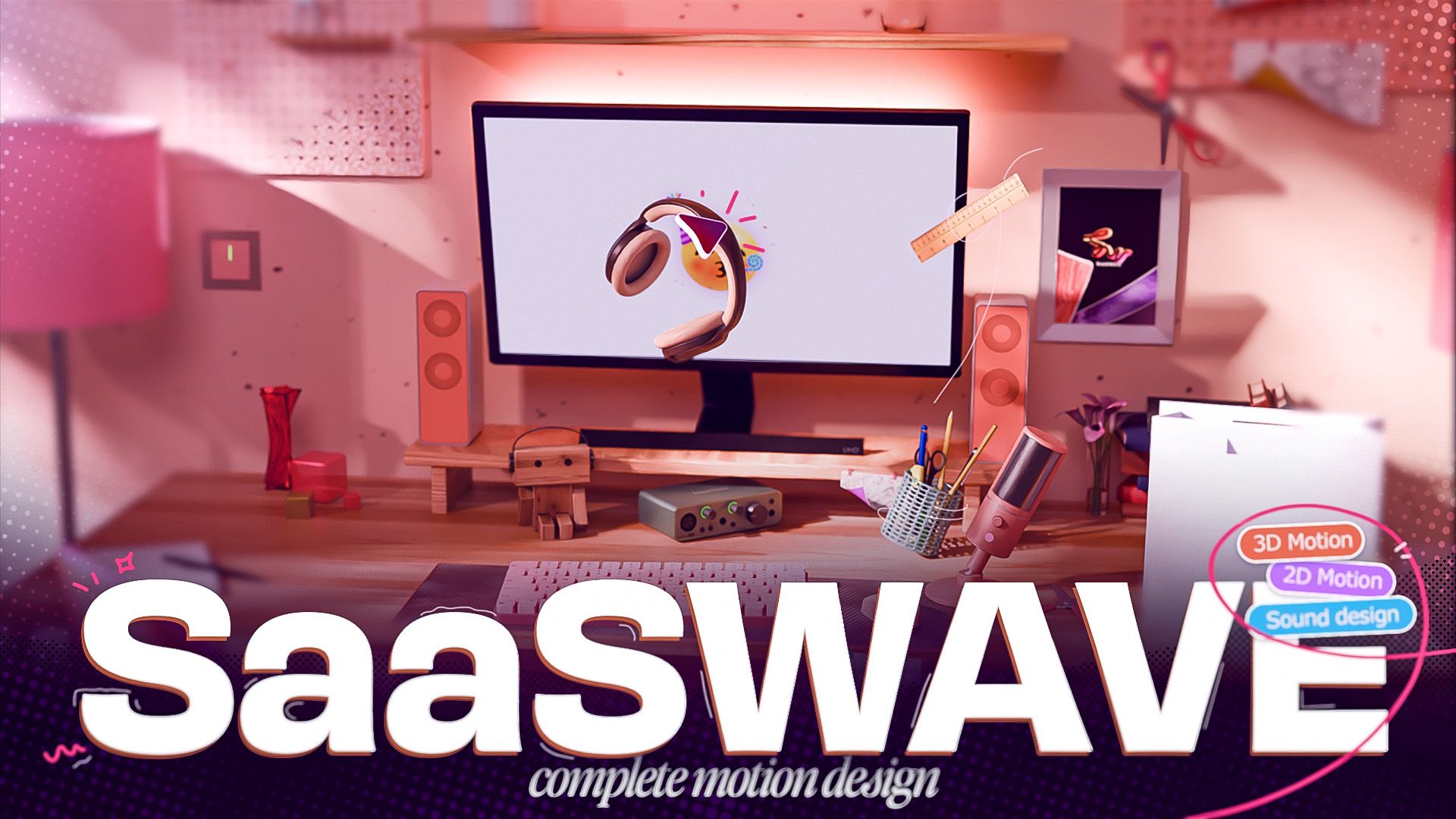
SaaSWAVE – Complete 2D/3D Motion Design Course
An all-in-one Motion Design course covering 2D, 3D, Voiceover & Sound Design.Teaching editors and motion designers create powerful explainer animations, beautiful and solid visuals that 10x their portfolio, and help land bigger clients. Includes: 66 video tutorials Blender + After Effects 12hrs+ Projects Files Assets Sound Design Masterclass (FL Studio) Free AudioKit
FURYS FLOW EDITING COURSE
This course will help you understand my editing style and improve your skills in AFTER EFFECTS (works for any version). My Flow Course includes 9 lessons on English where I explain my full editing process and the way I work (You need know AE basics before the course).For the first month, each video will be released gradually every 3 days. !! This course does NOT include presets, sound effects, footage, project files, or other materials - I only share information,...
After Effects: Premium SaaS Border Beam Animation
Learn to build the effects that make projects look expensive, natively in After Effects, no plugins required, and beyond what any AI tool can replicate. This class is part of the Premium Effects Collection. A series of focused After Effects classes that teach you the effects you see everywhere in high-end motion design and SaaS explainer videos, and finally show you how to build them yourself. You're about to watch the first class in the series. More classes are coming very...
Editing Academy – From Passion To Profit
My Proven Step-By-Step Program That Takes YOU From Complete Beginner To Dropping Your First GOATED Anime Edit… In Less Than 48h Introduction to Anime Editing: ✔ The zero-to-one walkthrough: go from never having touched an editing program to building your first pro anime edit – in under a day ✔ The exact software I use – and how to set it up in minutes (PLUS little-known settings that save hours of editing time) ✔ How to edit for FREE – you don’t need to spend hundreds, or sometimes thousands, on expensive editing software to create...
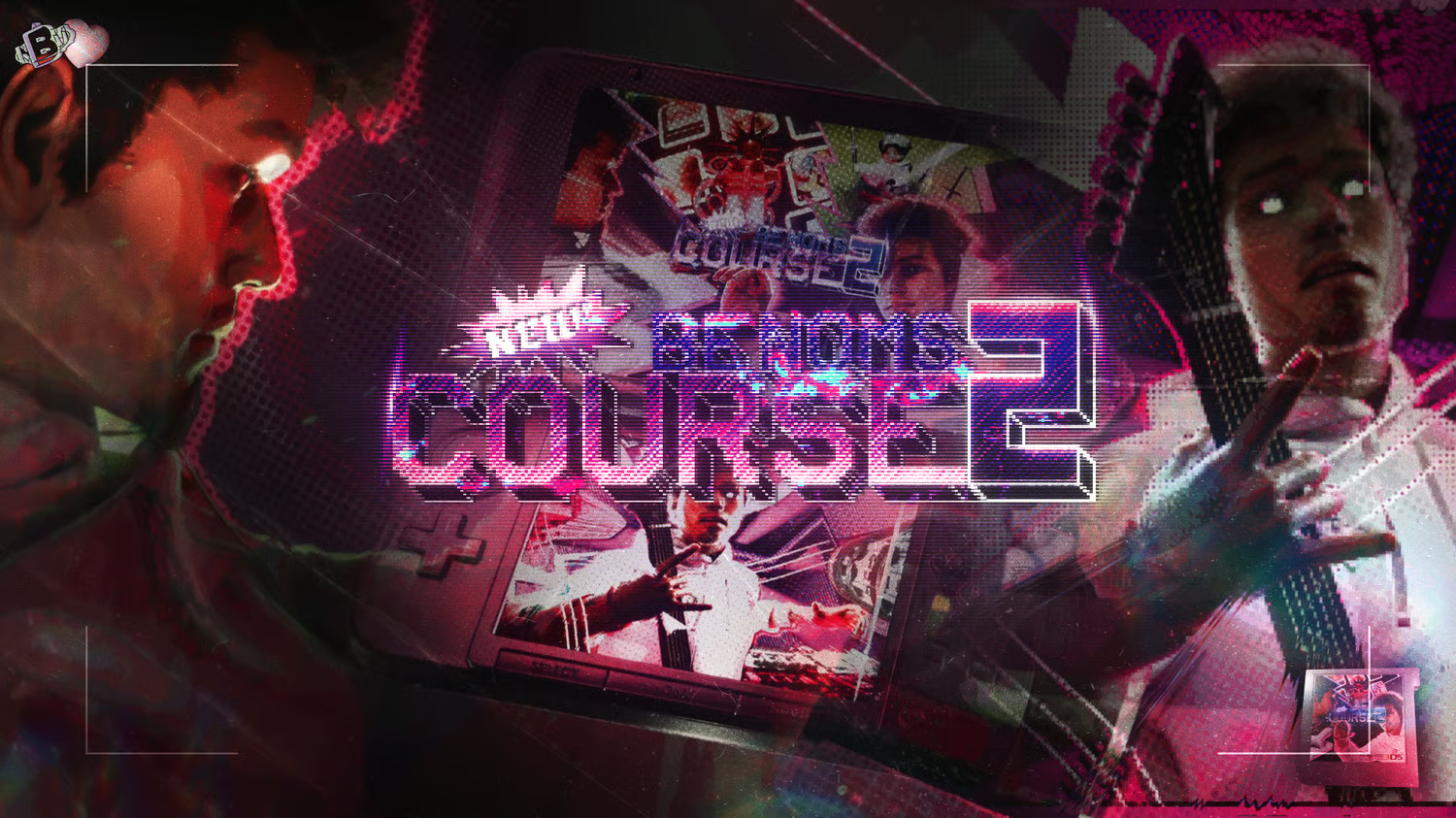
Benom.ae – Course V.2!
Take your editing to the next level with a complete learning experience built for real results — not just assets. This pack is designed to help you learn, improve, and create at a higher level, with step-by-step tutorials and real editing breakdowns. Beginner-friendly & easy to follow Structured for fast learning and real progress Designed for After Effects & Blender workflows Learn the exact techniques used in real edits Created by an active editor — built to help you level up faster and...
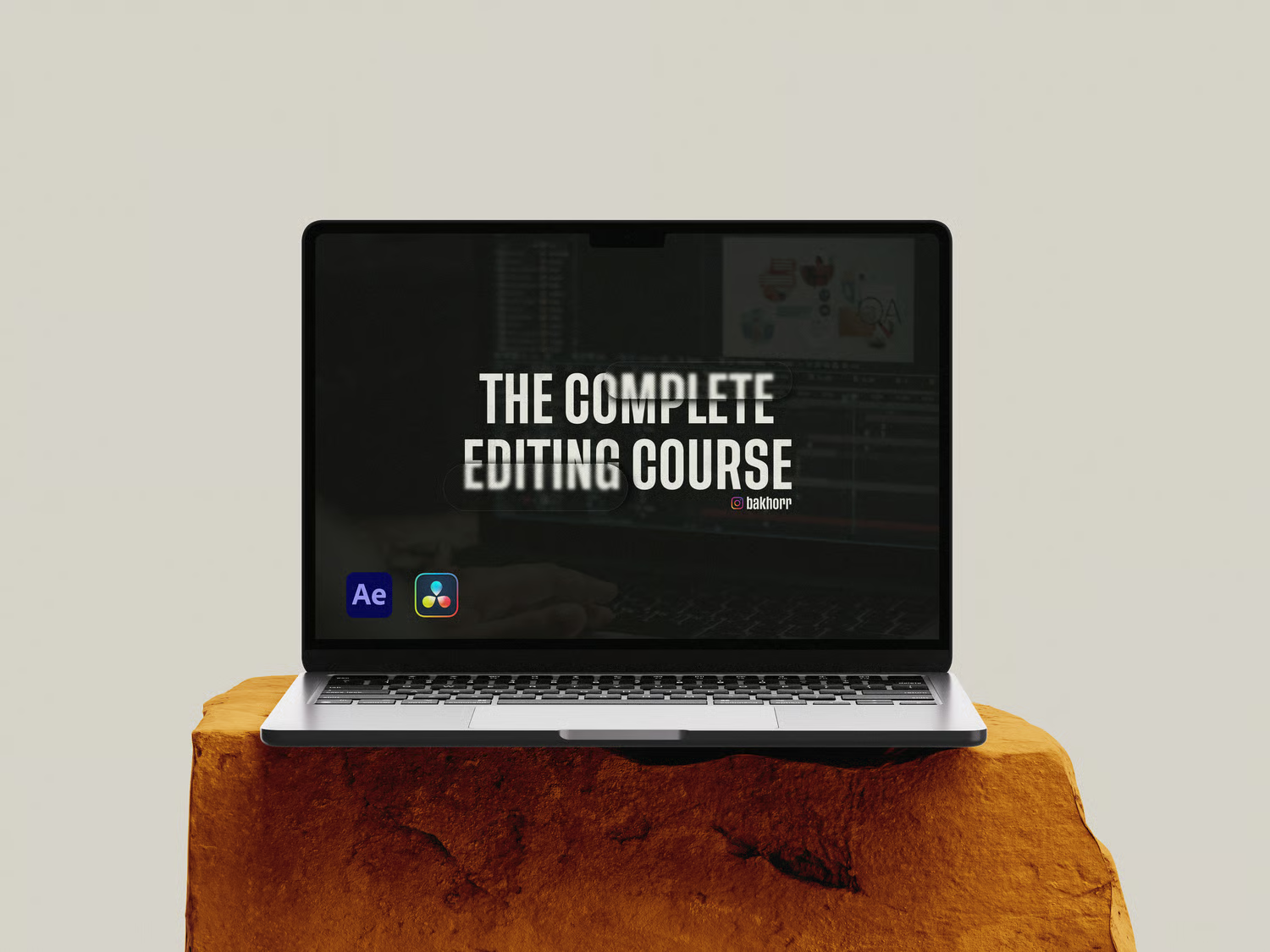
Bakhorr – Course “After Effects & DaVinci Resolve: Speed Ramp from Zero to Pro”
What is Inside? 🔥 MODULE 1: AFTER EFFECTS MASTERY (3 Courses in 1) Basics to Pro: Understanding the interface and keyframes. Advanced VFX: Masking, Rotoscoping, and 3D Camera Tracking. The "Flow": Mastering Speed Ramps, Time Remapping, and Liquid Transitions. 🎨 MODULE 2: DAVINCI RESOLVE COLOR (2 Courses in 1) Color Management: How to work with LOG and Rec.709 correctly. The Look: Creating your own visual style (Teal & Orange, Film Emulation). Node Tree Structure: My personal workflow for commercial projects....
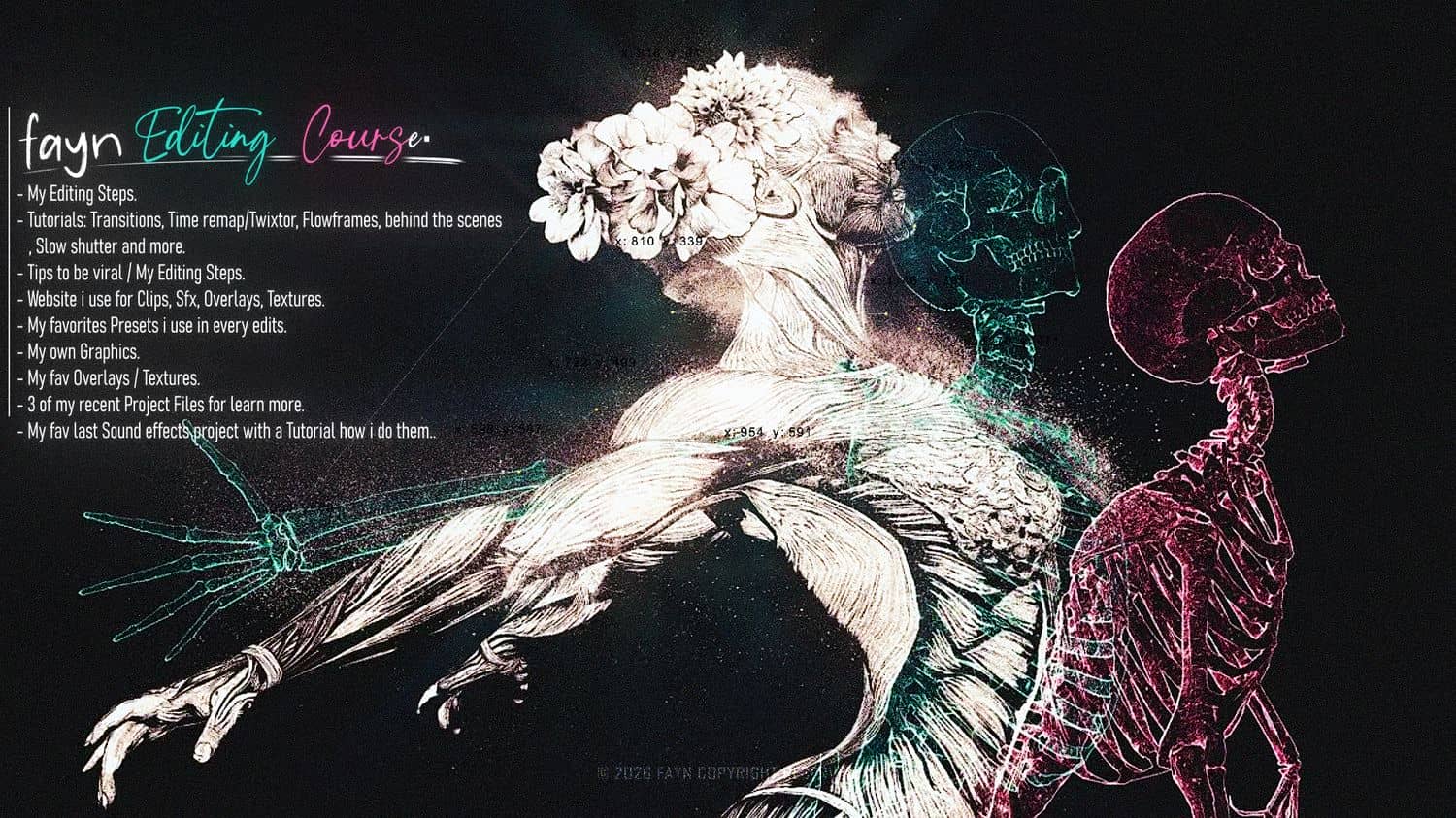
FAYN EDITING COURSE 2026 !
This editing course is for beginners as well as more experienced users. Designed for AFTER EFFECTS users. In this course you will learn everything from me. This course includes: 10 Tutorials with my transitions, flowframe, Slow shutter, topaz, Twixtor / Time remap, Flare transition, behind scenes. My tips to get viral with my steps. How i do my sound effects with an video 30 minutes watching me doing my SFX with a project file includes with all sfx i used...
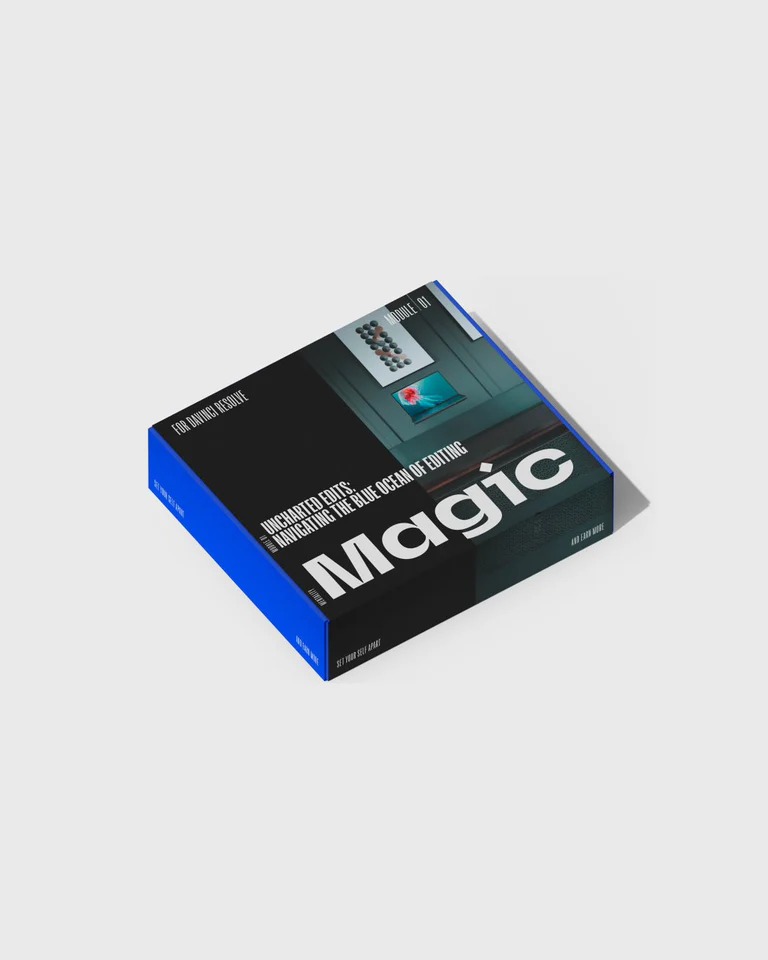
amarmuric – Magical Edits Course – For Davinci Resolve
In this course, I'll teach you or your team how to create these videos in just two hours, with a comprehensive A to Z breakdown of preparation, filming, and editing. Each chapter includes a neatly organized project file, enabling you to follow along, deconstruct, and explore my exact methods. The course even comes with two complete edits. Getting ready 01 - Intro 02 - Gear & software Breakdown of techniques 03 - Intro 04 - Stopmotion 05 - Wire removal...
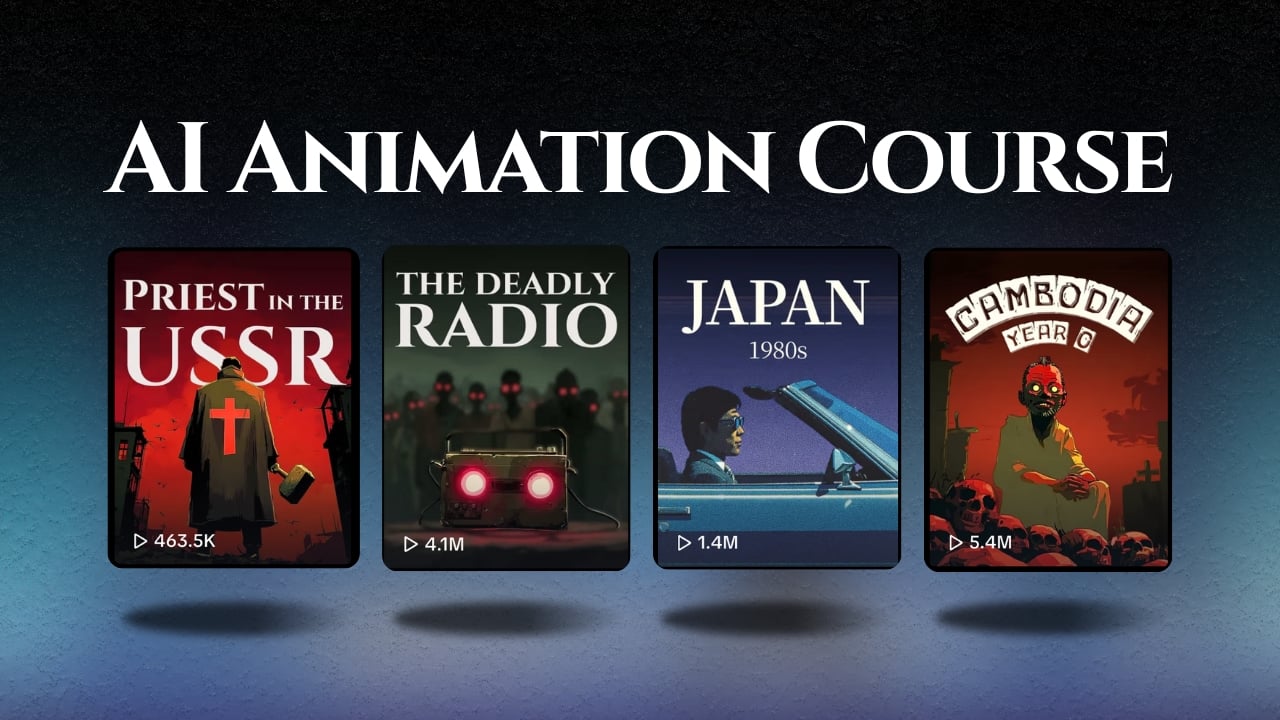
Societiesr – AI ANIMATION BUNDLE
Make AI Animation that don't look AI🔥 👉 Our method makes videos that feel hand-drawn, human, cinematic WHAT YOU'LL DO WITH THIS Build a full content system with ChatGPT, MidJourney, and Runway Generate scroll-stopping videos 10x faster Switch styles, vibes, and formats like a pro Make viral content with storytelling — not just flashy visuals Learn our exact workflow that hit 200M+ views in one year What's Inside AI Animated Video Course: 📝 A full written course — no fluff,...
Cinecom – Create Motion Graphics Templates With Adobe After Effects
Learn how to create Motion Graphics Templates with Adobe After Effects to use in your own workflow or to sell on marketplaces. These templates can be exported to Adobe Premiere Pro for a user-friendly use. For Who Is This Course? This class is for anyone who already has a basic understanding of Adobe After Effects and is ready for the next advanced feature to learn. You want to earn money by selling motion graphics templates on marketplaces. Or you wish...
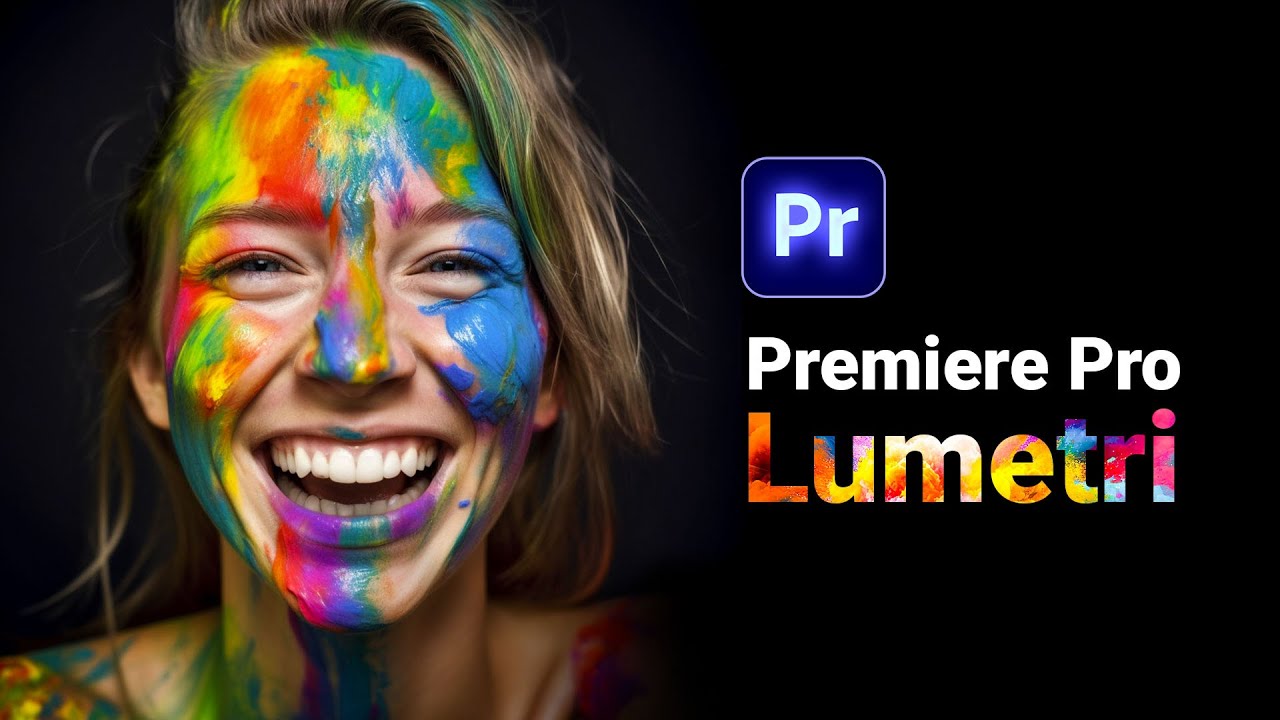
Cinecom – Premiere Pro Lumetri: Color Correct & Color Grade Like A Pro
Course Information This complete course will take you to the essentials of color correction with the Lumetri color tools inside Premiere Pro. You will learn different techniques while also understanding how color philosophy works. We’ll fly together through this wonderful world of colors. And on the end you will be able to fix color issues and take your shots to a higher professional level. For who is this course? This course is aimed at beginners in the color correction/grading field....
Cinecom – Learn Adobe After Effects for Beginners
Did you always wanted to make your own movie special effects or motion graphics animations? Then I’ll be super exited to introduce you into the wonderful world of Adobe After Effects! By the end of the class, you’ll have a complete fundamental understanding of Adobe After Effects and will be able to create your own visual effects and motion graphics. For who is this course? Any enthusiast who’s already familiar with basic video editing and likes to learn how Visual...
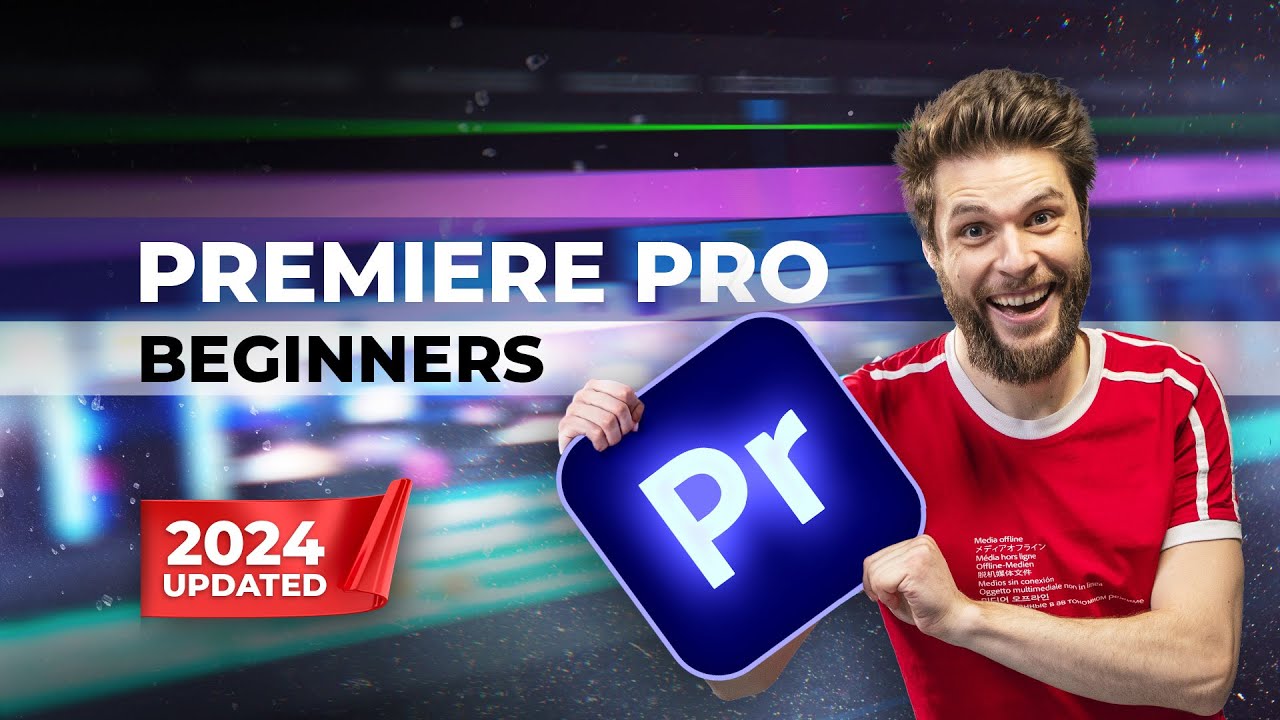
Cinecom – Video Editing With Adobe Premiere Pro For Beginners (2024)
Learn professional video editing with Adobe Premiere Pro. A beginners course to get you started with basic editing techniques, text & graphics, audio enhancing, transitions, video effects and so much more! Learn how to get started with Adobe Premiere Pro in this interactive and hands-on course. Updated for the 2024, it covers the latest features and tools. By the end of this course you will understand the user interface and perform a professional video editing workflow. You can create and...
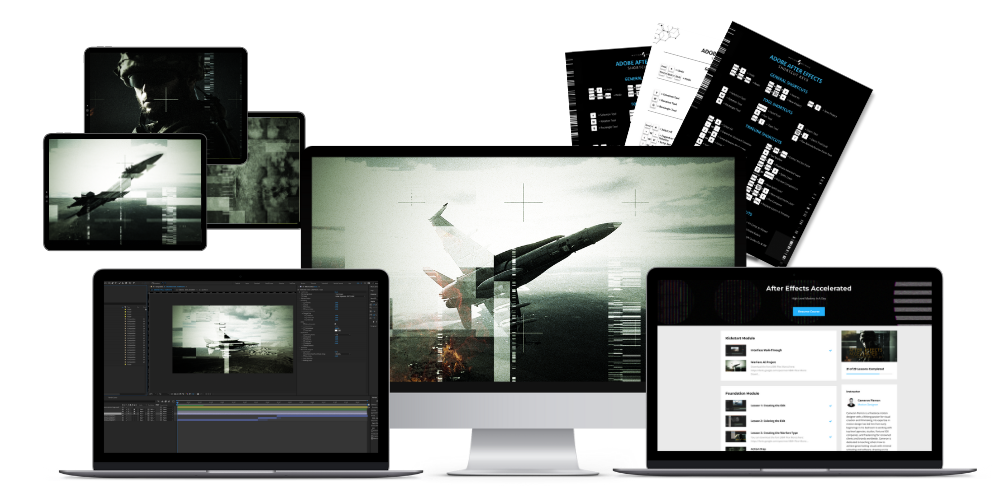
Motion Science – After Effects Accelerated
Learn and Elevate Your After Effects Skills with After Effects Accelerated Discover the core features of After Effects and improve your motion design skills with our course, After Effects Accelerated. This course will guide you through the essential tools and techniques needed for motion design. You'll also create an engaging title sequence step by step. Join us to develop your abilities and bring your creative visions to life! Course Modules Kickstart Module Interface Walk-Through: Familiarize yourself with the After Effects interface to streamline...
Final Cut Pro Asset Creation Course with Apple Motion
Final Cut Pro Asset Creation Course with Apple MotionCreate Custom Titles, Transitions, Effects, and More Without Relying on Plugins Stop settling for generic presets. If you’re a video editor, content creator, or motion designer looking to break creative limits, this course is your gateway to mastering custom asset creation for Final Cut Pro using the full power of Apple Motion. In this hands-on course, you'll learn how to design and build professional-quality titles, transitions, lower thirds, effects, and generators—then publish...
FURYS EDITING COURSE
You will receive 6 personal lessons 1. Learn how to create audio for your work, mark transitions correctly, effects to improve the sound and your audio, as well as my settings and how I create viral sounds. 2. Learn how to create smoothness of the video, settings and train twixtor, time remap, graphs and etc. 3. Learn how to add working elements, my: effects ideas, individual frames, solids, zooms, movement, overlays, masks, etc. 4. High-quality training and video download without...
- 1
- 2