
About The Film
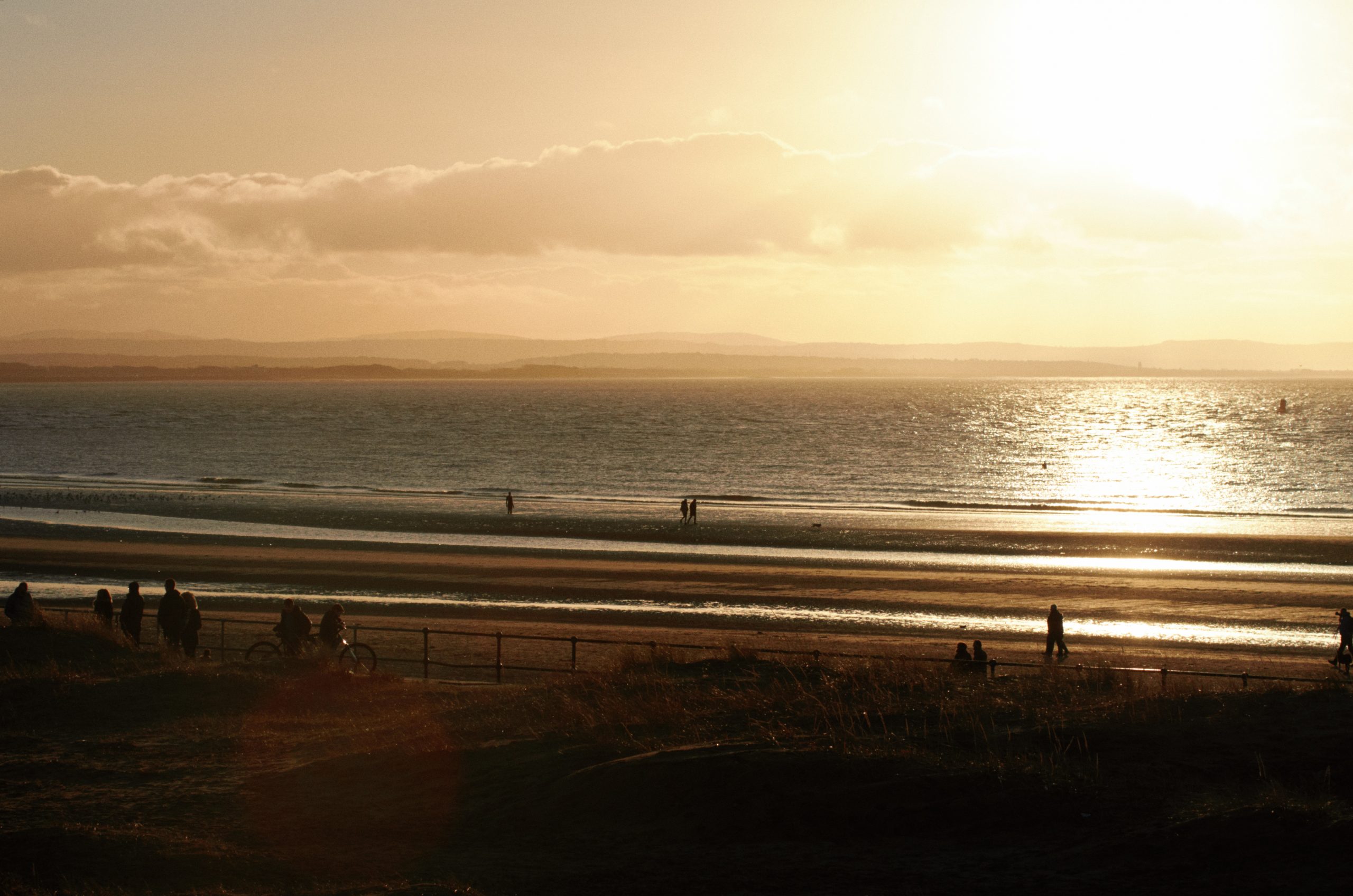
Ektar 100 is one of the most modern and advanced film stocks on the market, introduced by Kodak in 2008. A product of the digital age, it’s optimised to be highly scannable, with incredibly fine grain and rich colour. Of course, as a colour negative film it still has a unique and distinctive look, noticeably different from results you’d get with any digital camera. Foliage takes on a crisp, bright look with a hint of cyan, blue skies increase in drama, and warm tones shift towards pink. Depending on shooting conditions and scanning, you’ll often get an overall cool look, sometimes with a magenta cast.
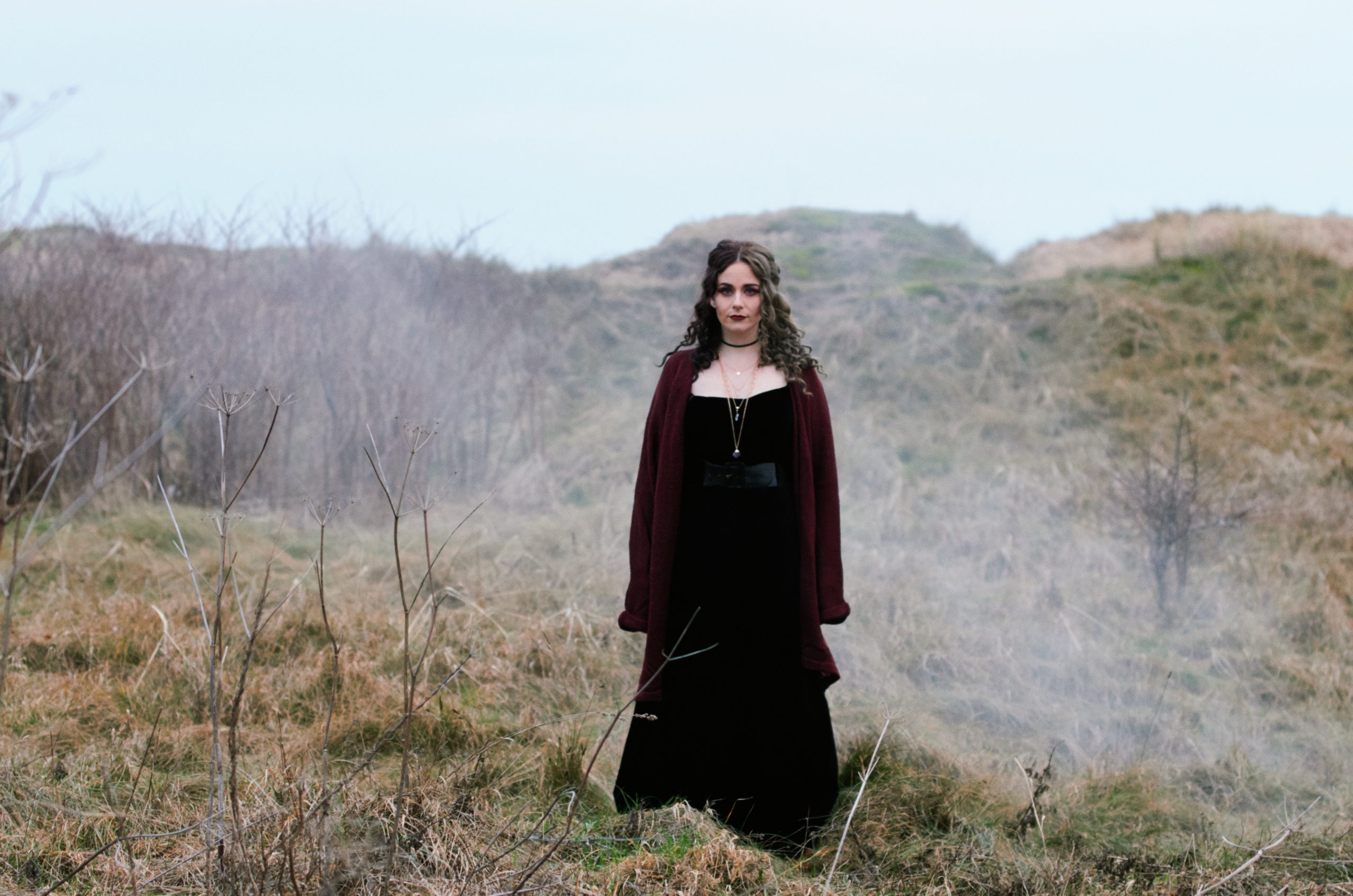
This vivid character is ideal for landscapes, snapshots, still life etc, though many photographers shy away from using it for portraits – sometimes the pink tones can give skin a garish look. However, with the right scanning settings it can be a wonderful film for photographing people too.
OUR EMULATION
We shot and scanned a variety of test scenes on Ektar 100, covering a range of typical shooting and lighting conditions (along with matching shots on digital). After many late nights of studying and tweaking, we ended up with 12 unique colour profiles.
Unlike the complex wizardry we had to figure out for Capture One, getting those colour profiles into Lightroom was a breeze . The software supports creative profiles, which can be used to transform the base look from the camera without touching any Lightroom controls. They’re based on the universal Adobe Color profile, meaning you can expect consistent results from any camera. Best of all, you can adjust the opacity to tweak them to your tastes. You can use these profiles as a one-click look, but we went a step further and built a robust collection of presets to fine-tune the look for different conditions, as well as some handy tools and utilities. One lovely bonus is that our Capture One and Lightroom styles duplicate each other almost perfectly, so users switching from one to another (or using both) can get matching results. In the following pages we’ll explain a bit more about the technical stuff and – much more importantly – how you can use the results of our complicated nerdy work to make your pictures look good.






Comments0