
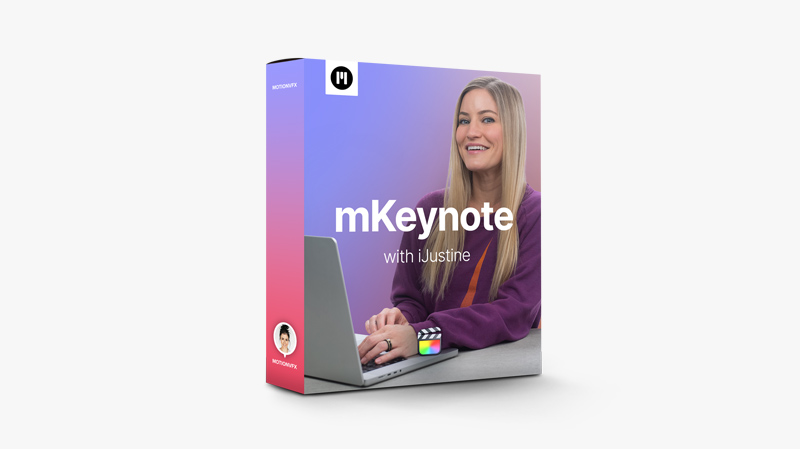
MotionVFX – mKeynote FCP
A ton of minimalist designs and animations, typographies, boards, drop zones, CTAs, miscellaneous effects, and placeholders all sharing a common denominator: that iconic, minimalistic Apple-style design. Brought to life with iJustine, a star tech vlogger and Youtuber — be in, check it out! https://youtu.be/qzUaIJlYw74 Minimal requirements macOS 10.15.7,Motion 5.5.3 or Final Cut Pro 10.5.4 Aspect ratio Horizontal or vertical Includes 95 titles
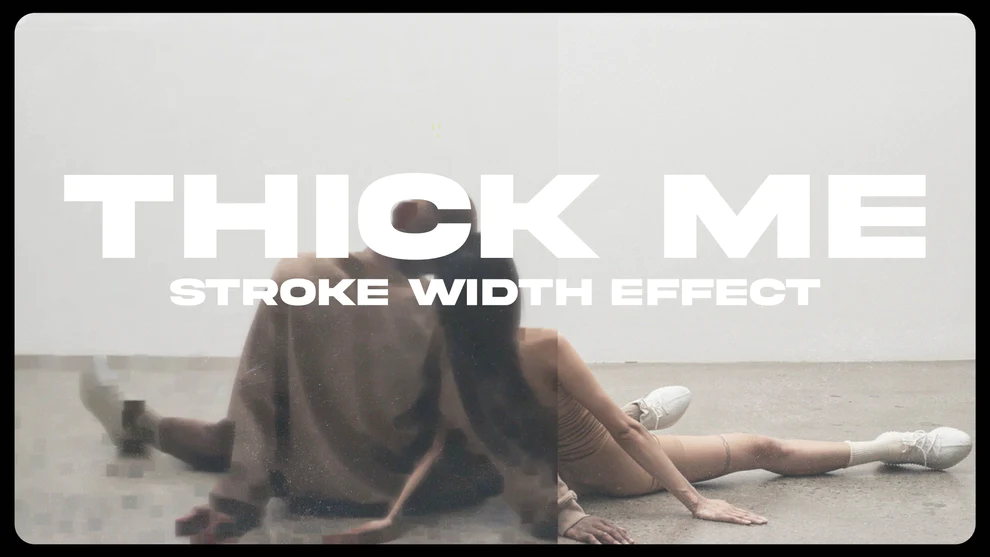
MoonBear – THICK ME – STROKE EFFECT
THICK ME (EFFECT) DAVINCITHICK ME (EFFECT) FINAL CUT PROTHICK ME (EFFECT) PREMIERE PROTHICK ME (TEXT) DAVINCITHICK ME (TEXT) FINAL CUT PROTHICK ME (TEXT) PREMIERE PRO
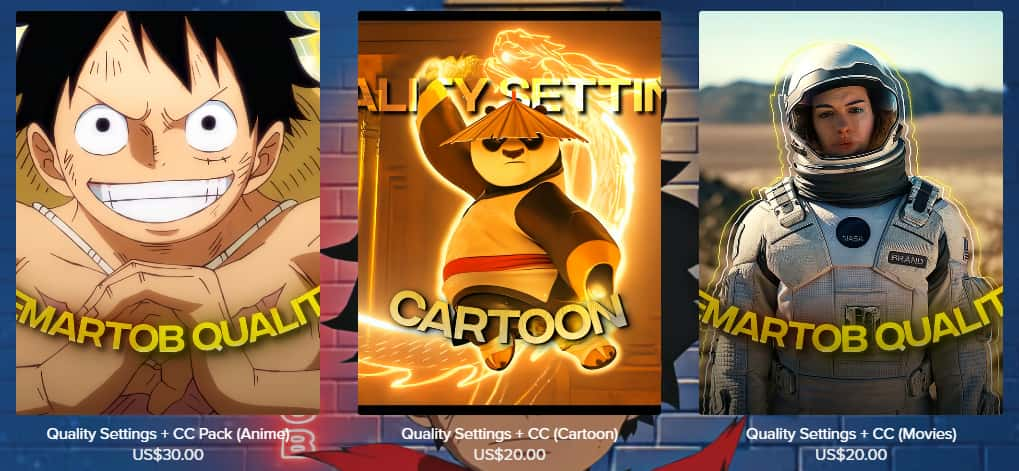
Jemartob – Quality Settings + CC Collection
Quality Settings + CC Pack (Anime) You will recieve: Document with the instrucctions of how I make my quality 3 Super-High quality CC's: (CC Jemartob, CC Blue, CC Dark) Quality Settings + CC (Cartoon) You will recieve: Document with the instrucctions of how I make my quality 1 Super-High quality CC's: (CC Cartoon) Quality Settings + CC (Movies) You will recieve: Document with the instrucctions of how I make my quality 1 Super-High quality CC's: ...
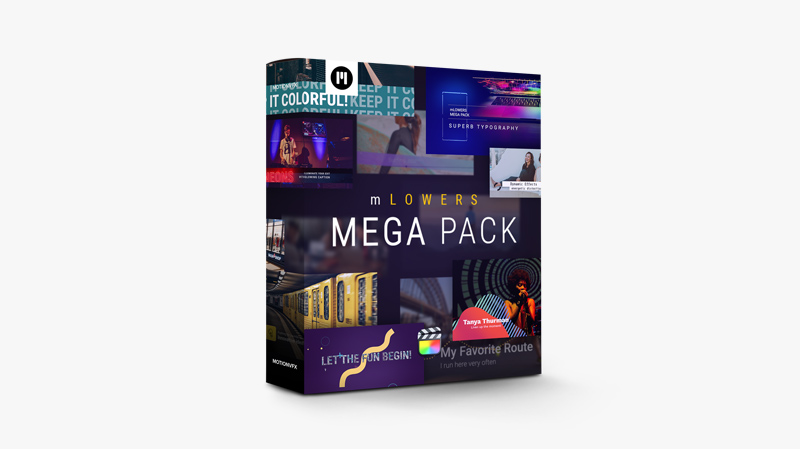
MotionVFX – mLowers Mega Pack — A Collection Of Diversified Lower3rds for FCP
mLowers Mega Pack is a huge collection of lower thirds that will equip your toolbox with over 130 diversified presets that you can use instantly or customize to perfectly fit your current stylistics. These lower3rds are a must-have plugin to facilitate your workflow and enrich your edits' visual side. https://youtu.be/3y259Ek_XY8 https://youtu.be/gnArbkYKv-g Technical specifications Minimal requirements macOS 10.14.6,Motion 5.4.5 or Final Cut Pro 10.4.8 Aspect ratio Horizontal or vertical Includes 131 FCP Titles
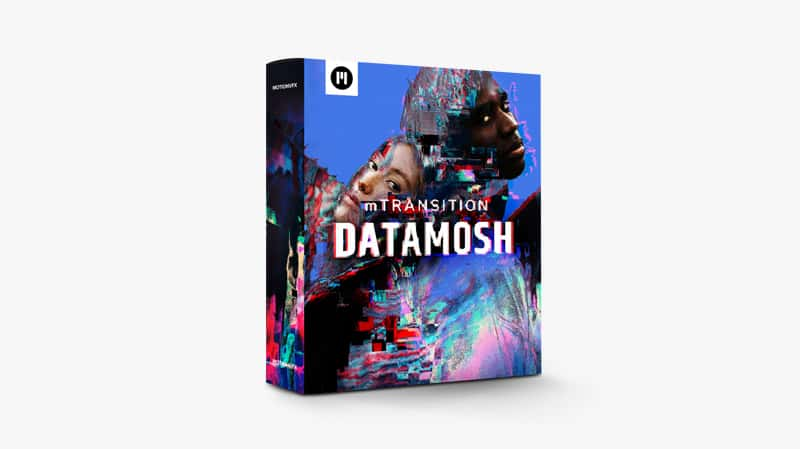
MotionVFX – mTransition Datamosh — Distortion Transitions for Final Cut Pro
This pack of distortion transitions gives you a wide range of tools to add captivating malfunctions to simulate your videos being moshed together. Now you can easily design complex graphics of lossy compression and removed frames, empowering your edit with drastic glitch effects without complicated workflows. https://youtu.be/nKAZqKYv9e0 Minimal requirements macOS 10.15.7,Motion 5.5.3 or Final Cut Pro 10.5.4 Aspect ratio Horizontal or vertical Includes 52 Final Cut Pro Transitions
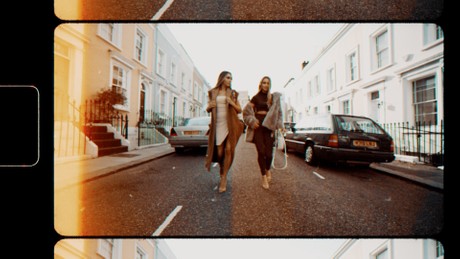
Ryan Nangle – 8mm Film Effects Pack – Final Cut Pro X
8mm Film Effects for Final Cut Pro X! - 12 Preset 8mm film effects - 4 Dust effects- 9 Film burn effects- 1 Vintage color grading LUT- Each customizable for a unique look To install, save the downloaded folder in your Motion Templates - Effects folder. Or watch the tutorial below for instructions. Heres a TUTORIAL on how to INSTALL plugins to FCPXhttps://www.youtube.com/watch?v=EUugTZYnyGI Compatible with standard 16:9 video project sizes only: HD 1920x1080, 4K 3840x2160 etc. System Requirements: - FCP X 10.4.4...
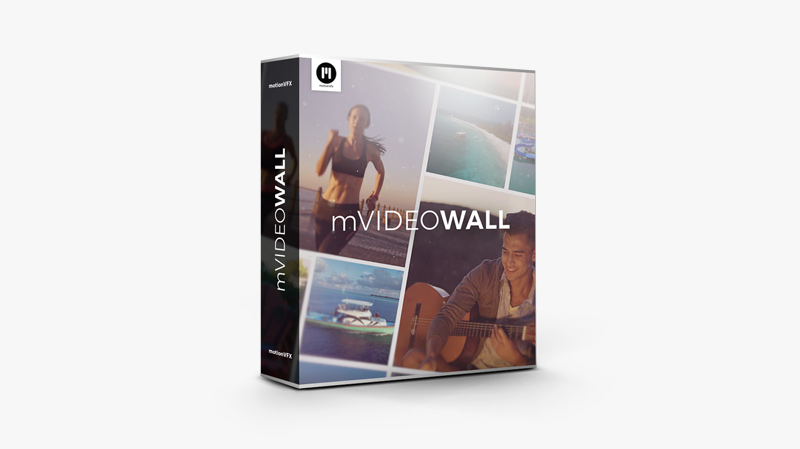
MotionVFX – mVideowall — Videowall Final Cut Pro Plugin
We created mVideoWall to give you a great tool for managing your footage and creating stylish graphic design at the same time. These 50 universal video walls let you show multiple shots at once with amazing camera movements and orderly compositions. https://youtu.be/F6sK2mqA-4E
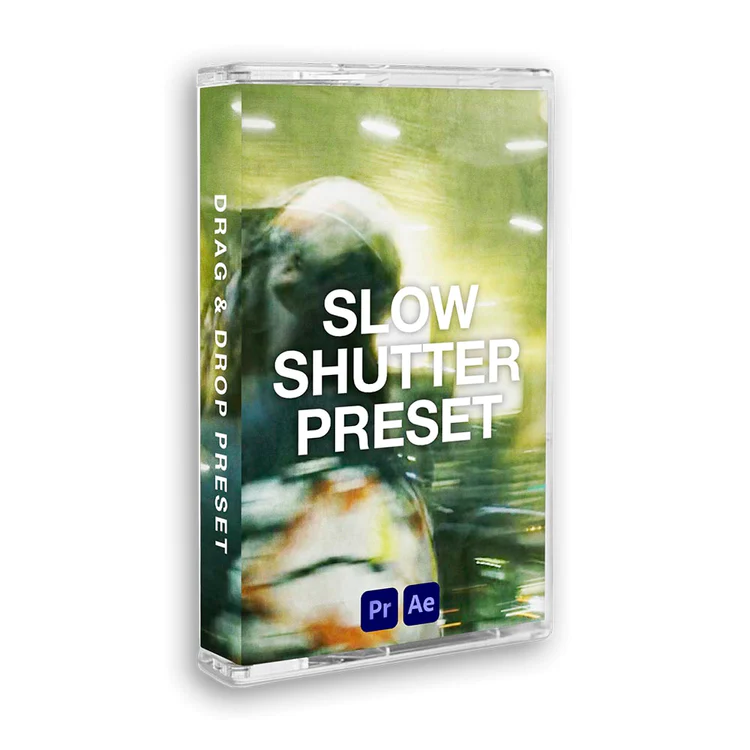
TINY TAPES – SLOW SHUTTER PRESET
Get the look that everyone's talking about with these three drag and drop Slow Shutter Assets for Premiere Pro & After Effects! Perfect for a variety of videography and film styles, this pack includes everything you need to add dynamic slow shutter effects to your next project. https://cdn.shopify.com/videos/c/vp/76b33bb17d9b449890970a391b5a3f7b/76b33bb17d9b449890970a391b5a3f7b.HD-720p-4.5Mbps.mp4
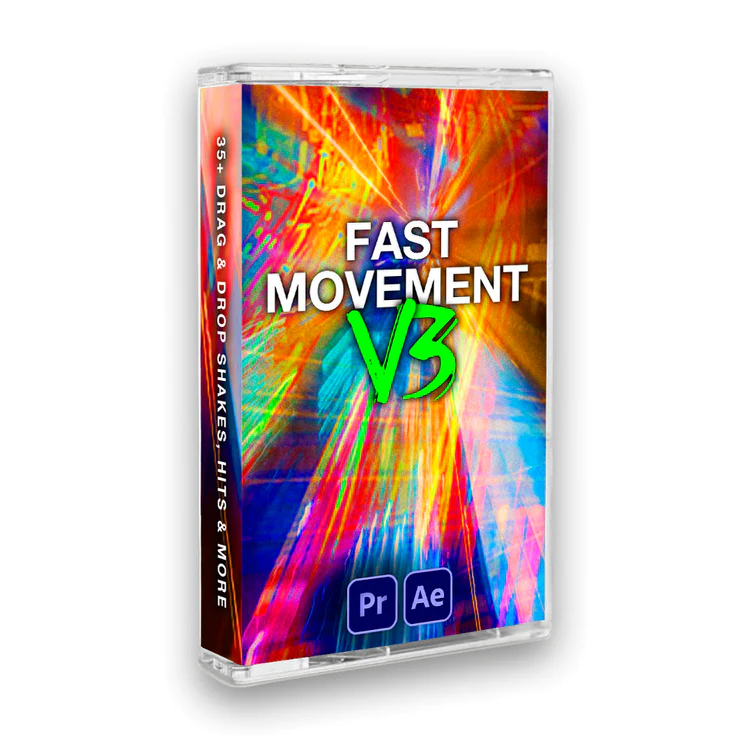
TINY TAPES – Fast Movement FX V3
Make your videos pop with these super fast-paced drag & drop transitions for Adobe Premiere Pro & After Effects Let our preset pack add the speed, momentum and energy to your video editing projects. 35+ HITS, SHAKES & Transitions + Much more
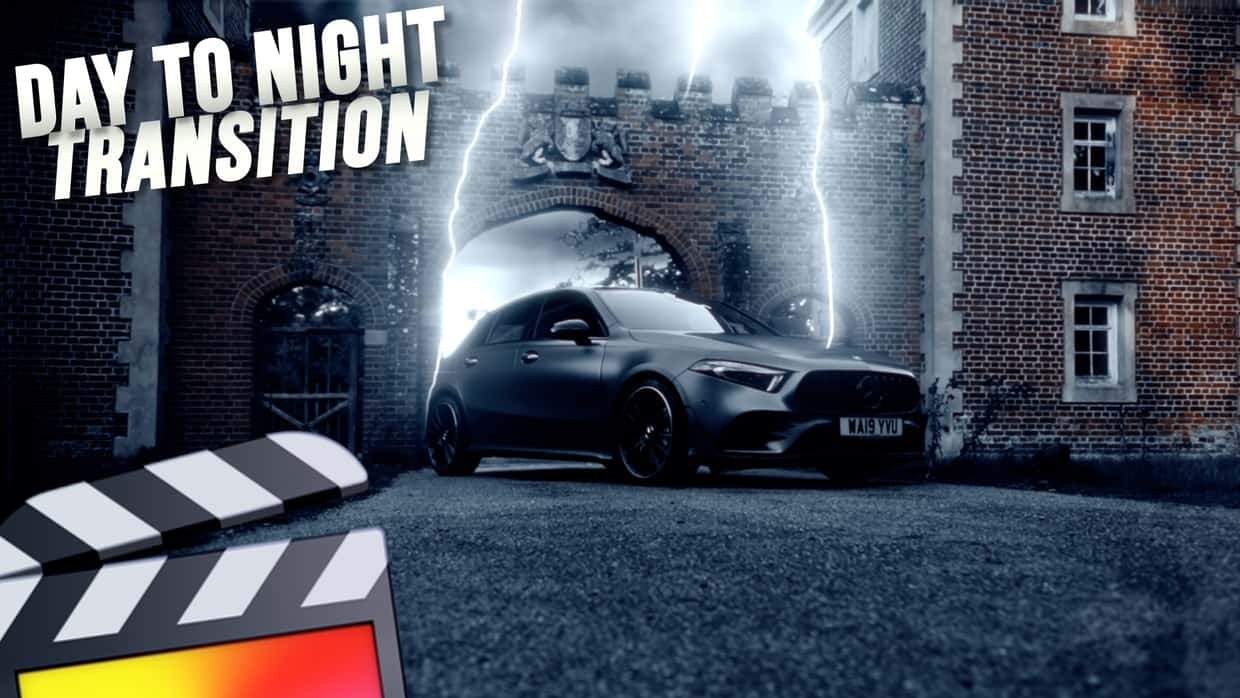
Ryan Nangle – Lightning Plugin – Final Cut Pro
This plugin instantly adds dramatic lightning to your scene. Great for transitions and dramatic effects! - Title plugin for greater freedom on your timeline- Easy to use on-screen controls- Fully Customizable with lots of parameters to control To install, save the downloaded folder in your Motion Templates - Titles folder. Or watch the tutorial below for instructions. Heres a TUTORIAL on how to INSTALL plugins to FCPXhttps://www.youtube.com/watch?v=EUugTZYnyGI System Requirements: - Final Cut Pro 10.6.3 or above
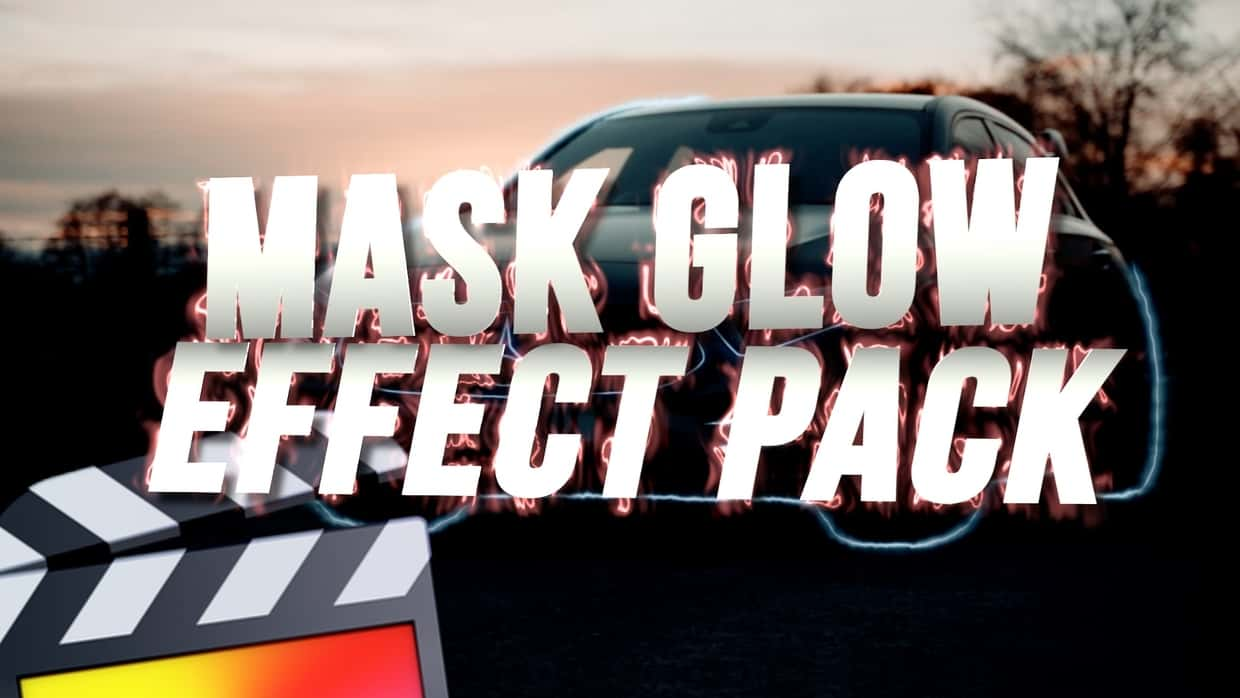
Ryan Nangle – Mask Glow Effect – Final Cut Pro
Add a glowing line effect to any mask, image edge, text and photo border with this drag and drop effect. To install, save the downloaded folder in your Motion Templates - Effects folder. Or watch the tutorial below for instructions. Heres a TUTORIAL on how to INSTALL plugins to FCPXhttps://www.youtube.com/watch?v=EUugTZYnyGI System Requirements: - Final Cut Pro 10.5.3 or above

aescripts – AI Color Match v1.1.0 Win
Professional color correction and grading is now accessible for all. Easily color match different shots in Premiere and After Effects. https://youtu.be/KmZTPAVgdEY Features • Matches exposure, contrast, white balance, and more. • Runs locally on your GPU or CPU - frames never leave your computer. • Quickly match footage that was shot using different cameras or settings. • Can be used to copy the color grading from your favorite scenes. • Works on Windows and Mac (Intel and Apple Silicon). •...
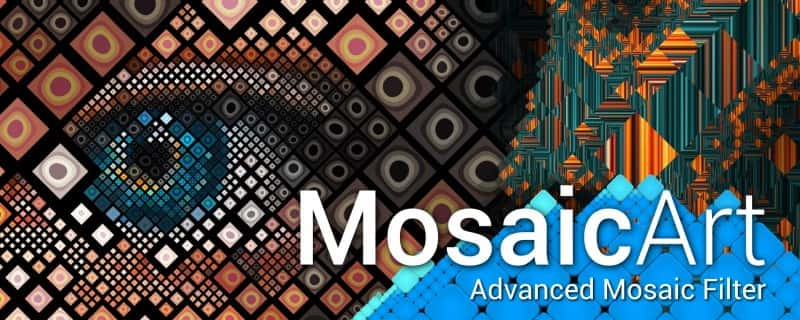
aescripts – MosaicArt v1.0 Win
Adaptive mosaic MosaicArt splits image into a grid. Neighbour cells can be merged into bigger cells withUnite Tiles Iterations parameter. MosaicArt can use multiframe compositions and randomly distribute frames over the grid. Frames can be distributed:by lightness of the base image;by lightness of custom layer;randomly. Animation Tile textures can be offseted, rotated and scaled. All this parameters can be randomized. Also cell texture can be looped for tiling offsets or scale. https://youtu.be/l3aV0Gdn_ks
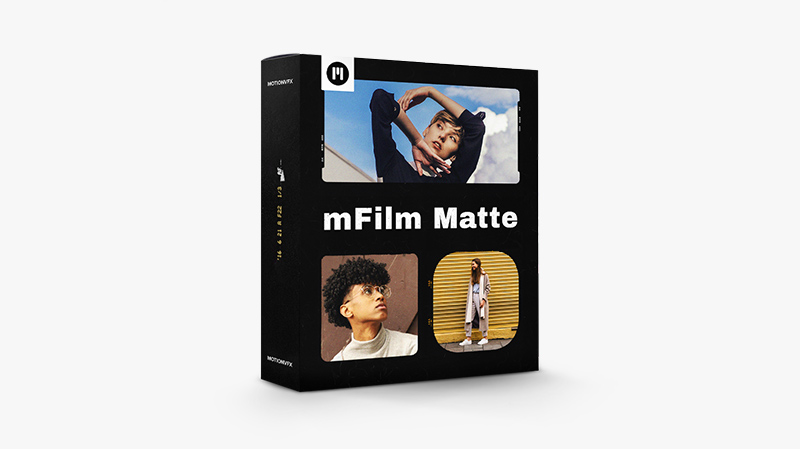
mFilm Matte — Cinematic Toolkit of Film Frames & Effects for FCP
mFilm Matte is an ultimate filmmaker's toolkit of cinematic film overlays and effects that will give your polished footage an intense retro character and elevate your edit to a brand new level. This professional plugin will help you give your shots an unmistakable vintage tone that your viewers will love. https://youtu.be/9JOP_kbuc24 Minimal requirements macOS 10.15.7,Motion 5.5.1 or Final Cut Pro 10.5.2 Aspect ratio Horizontal or vertical Includes Over 160 Titles for FCP
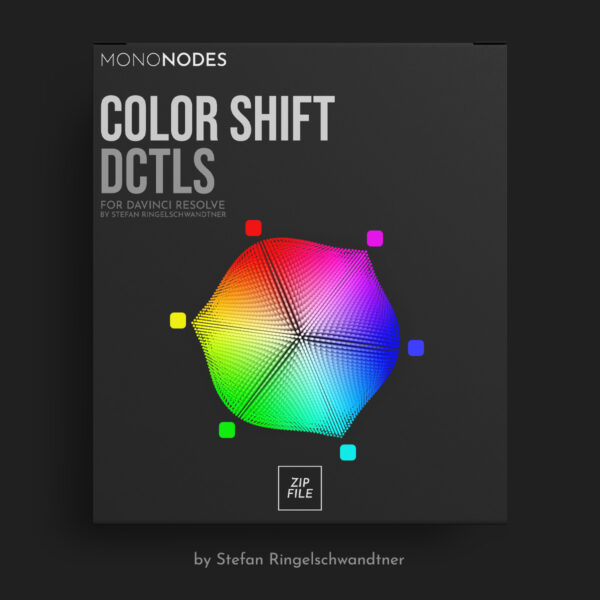
V4.0MONONODES – COLOR SHIFT DCTLS v4.0
Our DCTLs are offered in two distinct models: the “T” and “Non-T” versions. The “T” in our labels stands for the Tetra model, which adjusts across six hues—RGBCMY. On the other hand, DCTLs without a “T” employ cone-shaped, cylindrical, and spherical-shaped color models that differ subtly in their approach. These models include an additional specific adjustment for “Skin” hue. It’s important to note that neither model is superior to the other; they simply utilize different mathematical methods. The choice between...
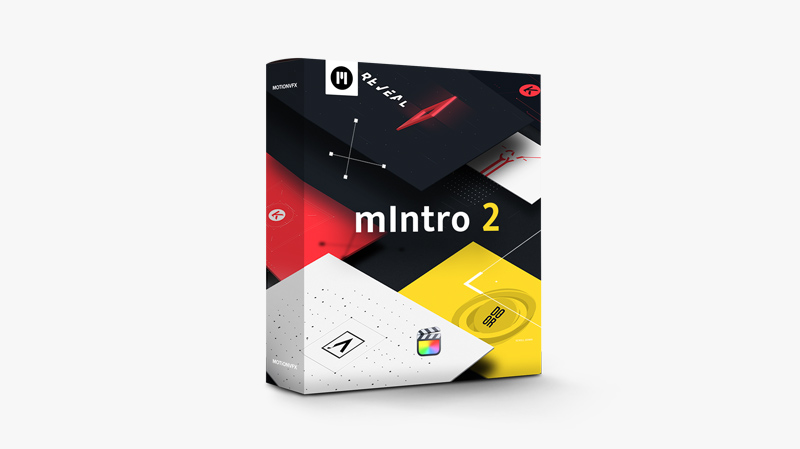
MotionVFX – mIntro 2 — Beautiful Channel Openers for Final Cut Pro
mIntro 2 gives you a ready-made set of modules to create an opening that will introduce your channel, vlog, or any other project you create with spectacular style. These beautifully animated and stylish presets give you a toolbox that will turn your logotype, title, or slogan into a memorable piece of motion design. https://youtu.be/OnmlG4NuH3Y Minimal requirements macOS 10.15.4,Motion 5.4.5 or Final Cut Pro 10.4.8 Aspect ratio Horizontal or vertical Includes 55 titles for Final Cut Pro