
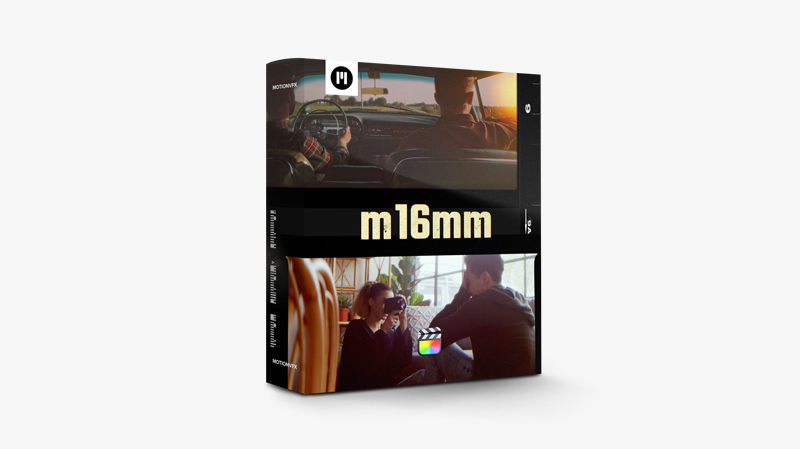
MotionVFX – m16mm — Retro Film Effects Plugin for Final Cut Pro
m16mm plugin is a set of film grain overlays and frames that add an old, vintage look to your work as if it was filmed by an old-style budget film camera. Choose from the 30 available presets to fit your style and play with various accessible overlays to create a stunning visual effect customized to your needs. https://youtu.be/Az09qTyV1vQ
MotionVFX – mIntro — 30 Beautiful Intro Openers for Final Cut Pro
mIntro is a plugin that will help you enhance any subject with a stylish opening animation. These 30 intros with a variety of styles, effects, and moves will help you reach any audience and suit any edit. Drag, drop, and get an impressive, professional look of your videos within seconds. https://youtu.be/vCCI5doTrL8

MotionVFX – mTag —Sale Tags for Final Cut Pro
We created this plugin to give you a powerful toolbox filled with outstanding design crafted especially to advertise your products. Sales, special offers, price cuts - all these concepts can now be properly illustrated with astounding animated elements. Now any commercial edit can gain an outstanding graphic image. https://youtu.be/C8yoaCAktxg
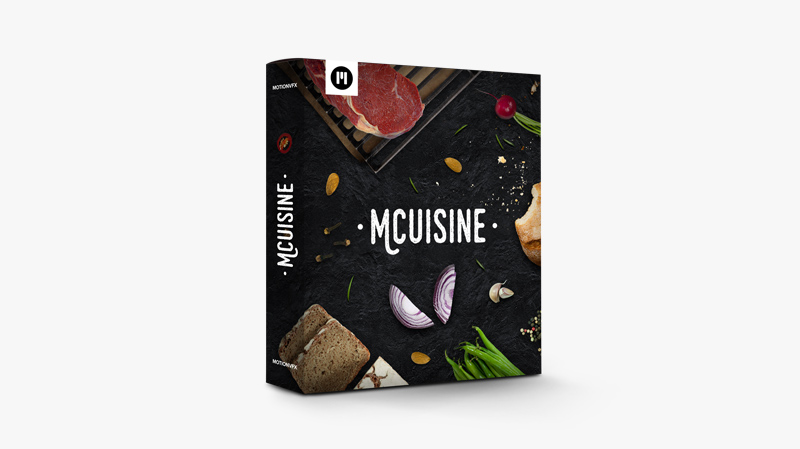
MotionVFX – mCuisine — 300+ Pre-animated Food Modules for Final Cut Pro
mCuisine plugin offers you an incredible range of animated elements that can be put together into fancy, eye-catching cooking compositions. Simply drag a couple of modules onto your timeline, use on-screen controls to put them in place, and enjoy a dynamic and beautiful animated cuisine show. Bon Appétit! https://youtu.be/Z3nEZ72L73w
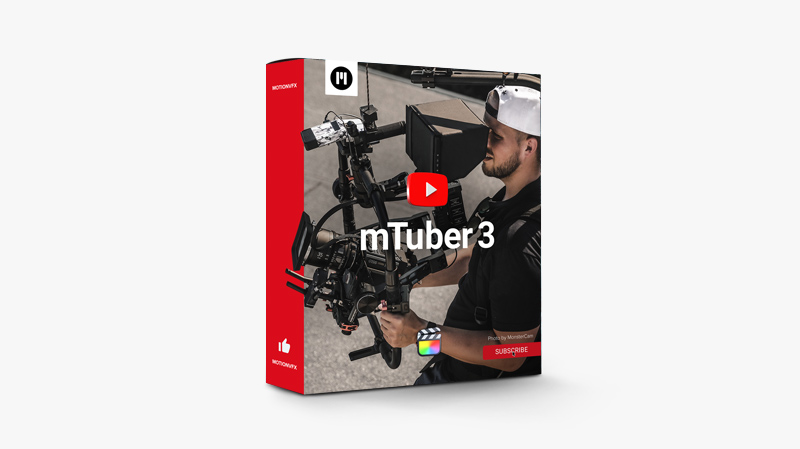
MotionVFX – mTuber 3 — Every Creator’s Must-have Toolbox for Final Cut Pro
mTuber 3 is your ultimate choice for all things YouTube to catch your viewers’ attention and show them exactly what you want them to see. These tools ensure a seamless visual journey from the very intro to the end slates. Unharness your creative skills and make the visual message of your edit totally flawless! https://youtu.be/37FRMmEcaBE Minimal requirements macOS 10.15.7,Motion 5.5.3 or Final Cut Pro 10.5.4 Includes 76 titles and 8 transitions for Final Cut Pro
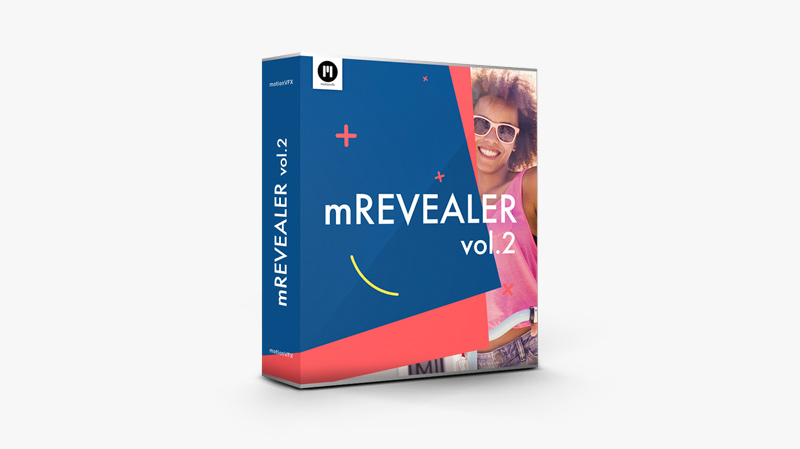
MotionVFX – mRevealer 2 — Multifunctional Revealers Plugin for Final Cut Pro
Every edit needs a nice opener, some logo animation, or an interlude to animate the additional layers we put onto our timelines. This astounding collection of pre-animated and superbly designed revealers gives you an ultimate solution for all those needs. Just choose your design, the element you want to animate! https://youtu.be/gwTPAqAL0Ik

MotionVFX – mShorts — 110 Compelling Short Form Presets for Final Cut Pro
Pack your vids with as much meaning as possible and make them 100% dynamic and impossible to look away from with mShorts — a complete set of quality presets crafted to catch the eye and set synapses on fire. Customizable and easy to use, they will get you the likes, subs, and views you deserve! https://youtu.be/dYVbRXH7fIs

PALINOIA POST – HUMANO 2023 | POWERGRADE + LUT
This pack includes the HUMANO POWERGRADE + LUT (+ another LUT that is used within the POWERGRADE). POWERGRADE can be used with any camera/color profile by utilizing the CST node. LUT is optimized for BlackMagic Film Gen 5 footage. This is a strong look that gives intense filmic highlights, juicy shadows, an optional hefty grain, completed with an overall selectively saturated, warm image. As with all Palinoia Post POWERGRADES, the nodes are clearly labeled to adjust to your liking. This...
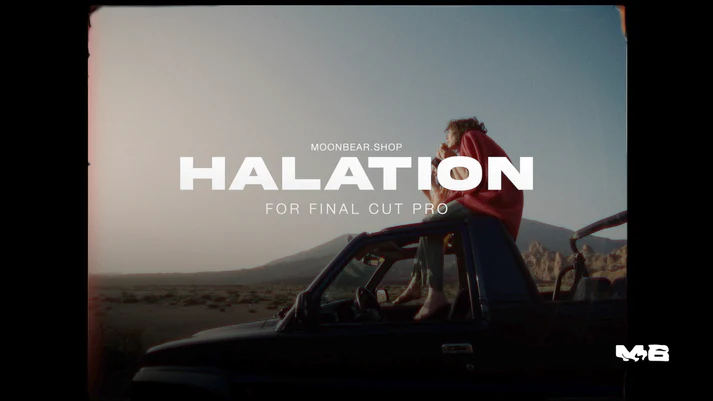
Moonbear – HALATION – FILM GLOW EFFECT for Final Cut Pro
We wanted that viral red film glow that most DaVinci Resolve editors are using but within Final Cut Pro. We couldnt find it, so we made it ourselves! Halation for Final Cut Pro is the ultimate film glow effect. Manipulate and add an authentic red film glow effect to your shots with 9 adjustable settings.Blur the Red, Blue, and Green channels in the RGB color space.Halation is what gives videos shot on film their distinct look and feel.It's essential to...
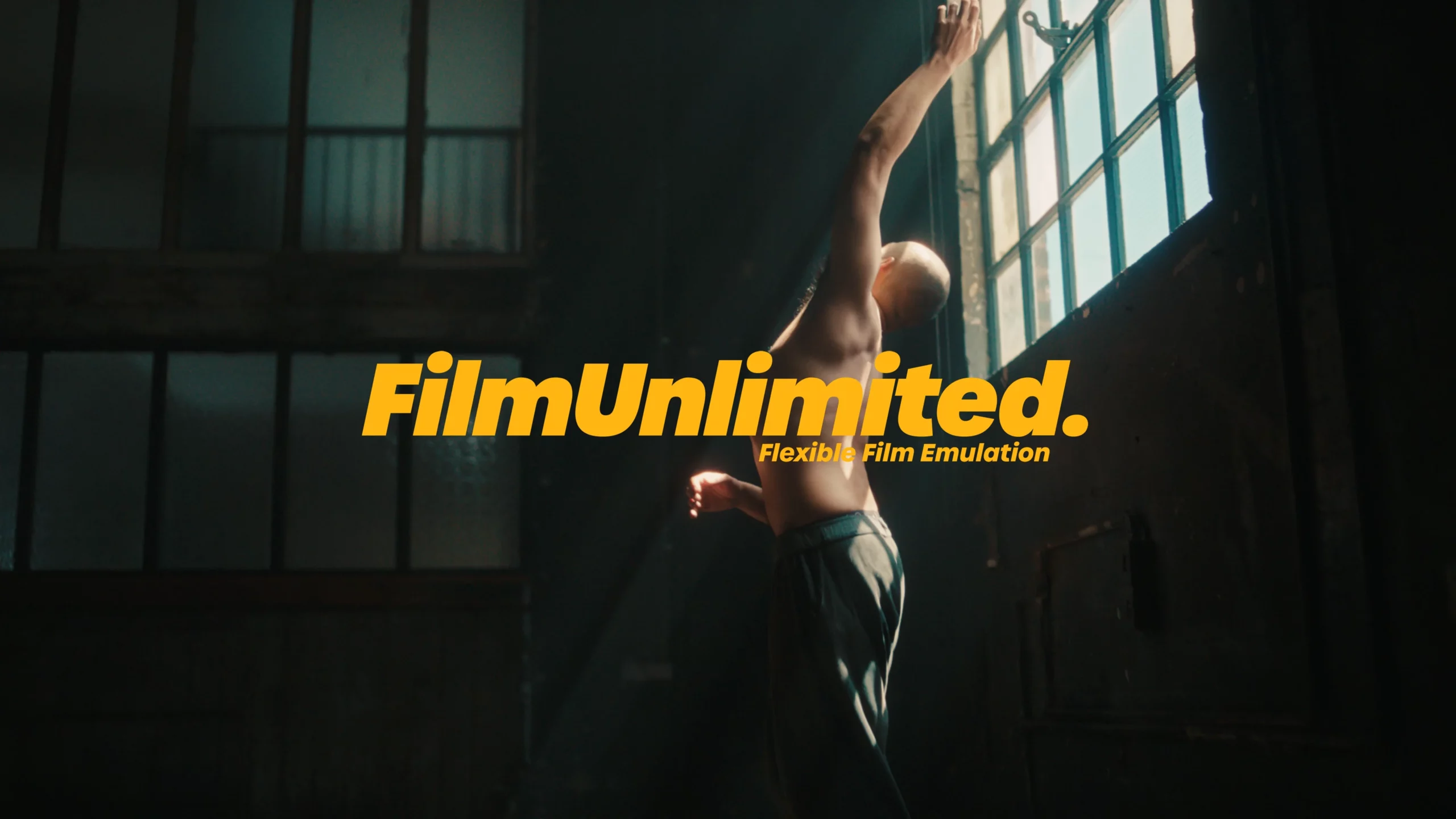
JUAN MELARA – FilmUnlimited PowerGrades – Flexible Film Emulation
WHAT IS FILMUNLIMITED? FilmUnlimited is a collection of Resolve 17/18 PowerGrades emulating Kodak 5207 250D and Kodak 5219 500T film. It’s a full PowerGrade rebuild of the negative film stocks I shot and profiled in November 2018 and January 2021. Designed for Davinci YRGB color science. And as of December 8 2022, now rebuilt for native Resolve Colour Managed (RCM) workflows. RCM versions designed for the Davinci Wide Gamut/Davinci Intermediate colour space/gamma. https://vimeo.com/677041603 WHAT’S INCLUDED? FILMUNLIMITED POWERGRADES NEW: Now updated...
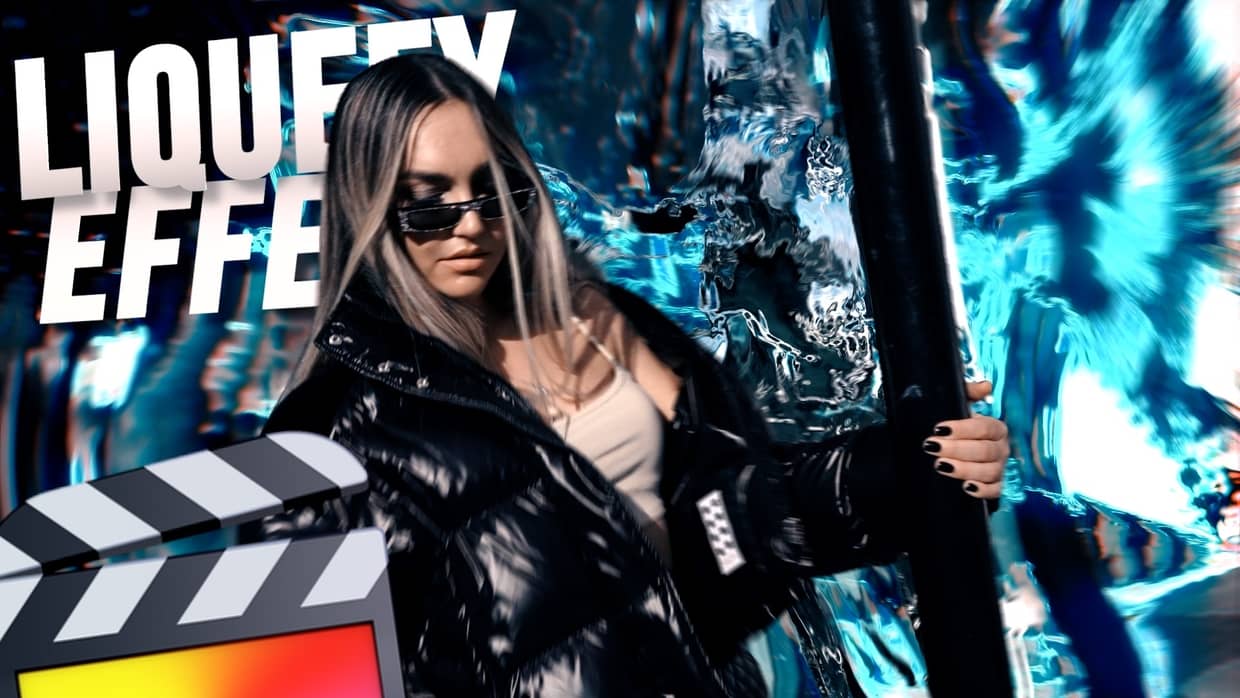
Ryan Nangle – Liquefy Effects Pack – Final Cut Pro
Liquefy Effect Plugin Pack for Final Cut Pro. - 16 liquefy effects - 4 Glow effects- Drag and drop effects- Customizable To install, save the downloaded folder in your Motion Templates - Effects folder. Or watch the tutorial below for instructions.Heres a TUTORIAL on how to INSTALL plugins to FCPXhttps://www.youtube.com/watch?v=EUugTZYnyGISystem Requirements:- Final Cut Pro 10.6.4 or above https://youtu.be/Dhr26Av2NAg
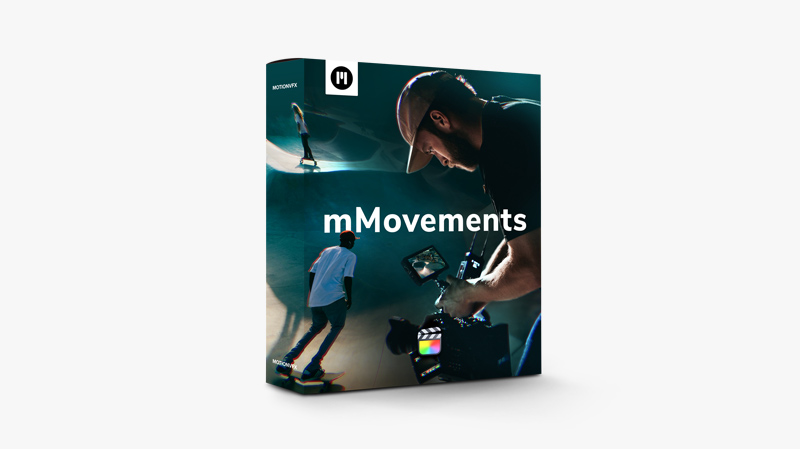
MotionVFX – mMovements — Diverse Camera Moves Simulations for Final Cut Pro
Say goodbye to static shots and hello to dynamic, visually stunning sequences — with mMovements you'll have the power to transform ordinary footage into a breathtaking cinematic experience. Enhance your footage with smooth tracking shots, captivating simulations, and awe-inspiring zooms to elevate your narrative. https://youtu.be/g5O7U-FdNBQ
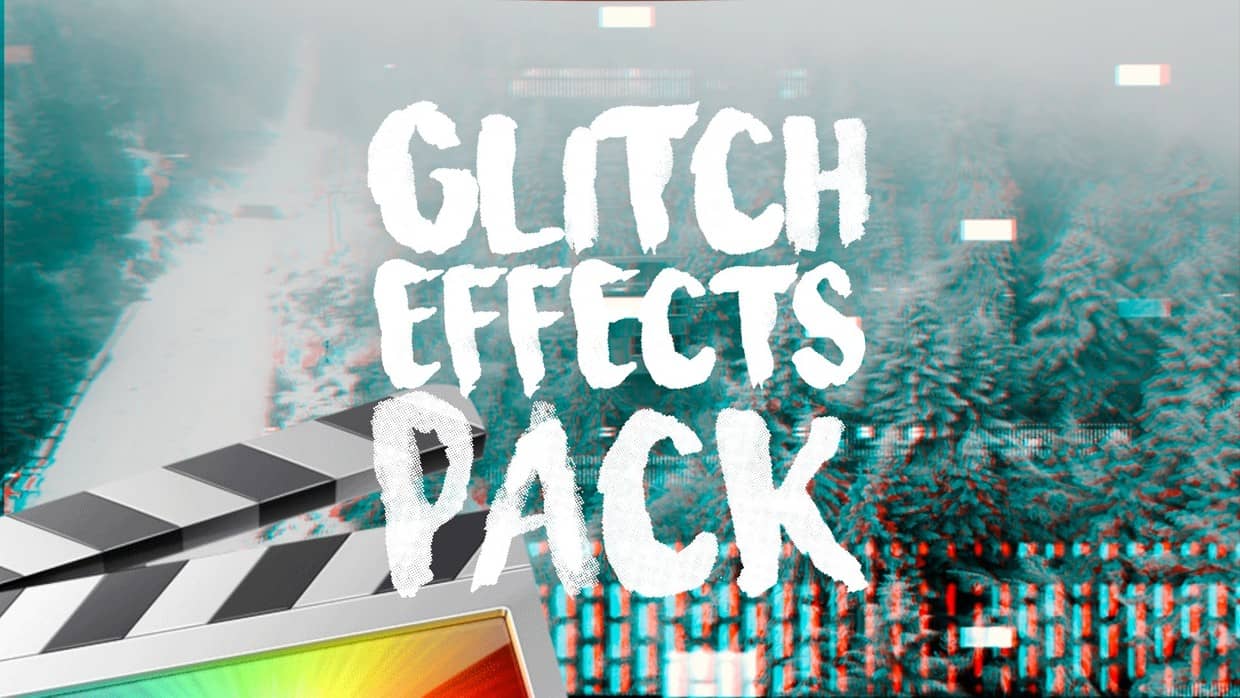
Ryan Nangle – Glitch Effects Pack – Final Cut Pro X
42 Glitch effects for Final Cut Pro X! To install simply save the download folder in your Motion Templates Effects folder. Heres a TUTORIAL on how to INSTALL plugins to FCPXhttps://www.youtube.com/watch?v=EUugTZYnyGI System Requirements: - FCP X 10.2.1 or above https://youtu.be/pPlLxxO7Hc0
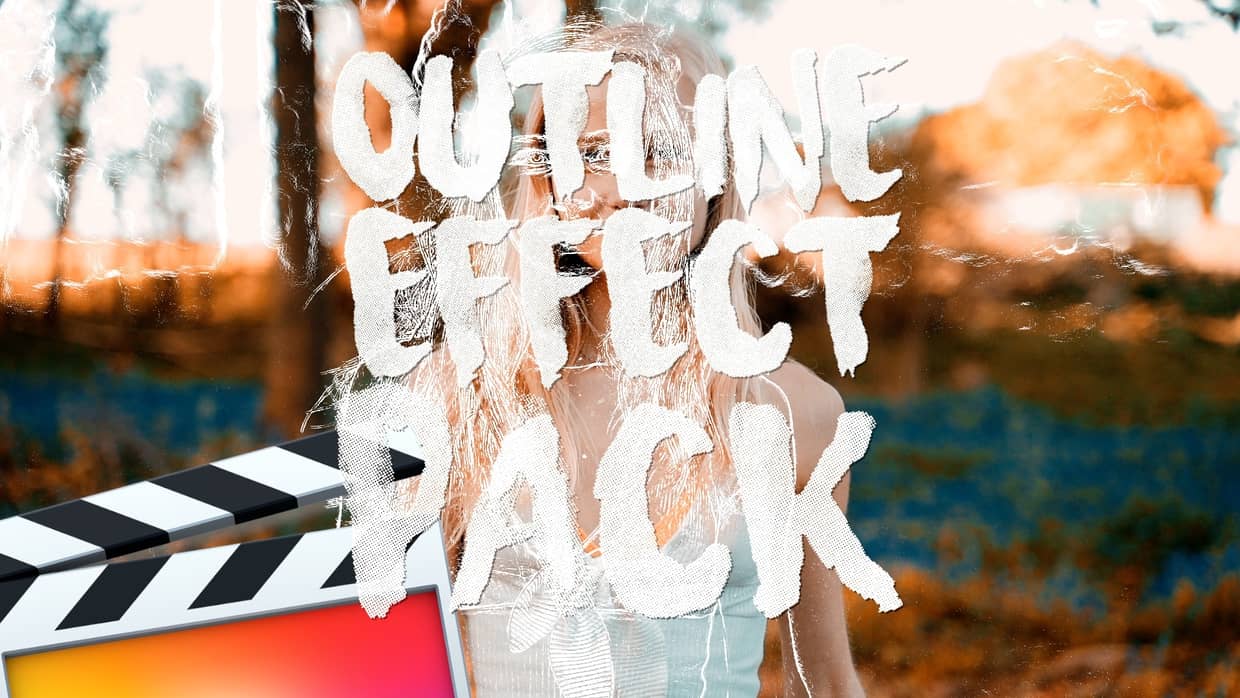
Ryan Nangle – Outline Effect Pack – Final Cut Pro
7 preset outline effects! Including: - Color Shift - Neon - Neon Color Shift - Black outline - Outline only - White outline - Strobe All presets are adjustable to create your own unique look.To install, save the downloaded folder in your Motion Templates - Effects folder. Or watch the tutorial below for instructions.Heres a TUTORIAL on how to INSTALL plugins to FCPXhttps://www.youtube.com/watch?v=EUugTZYnyGISystem Requirements:- FCP X 10.4.4 or above
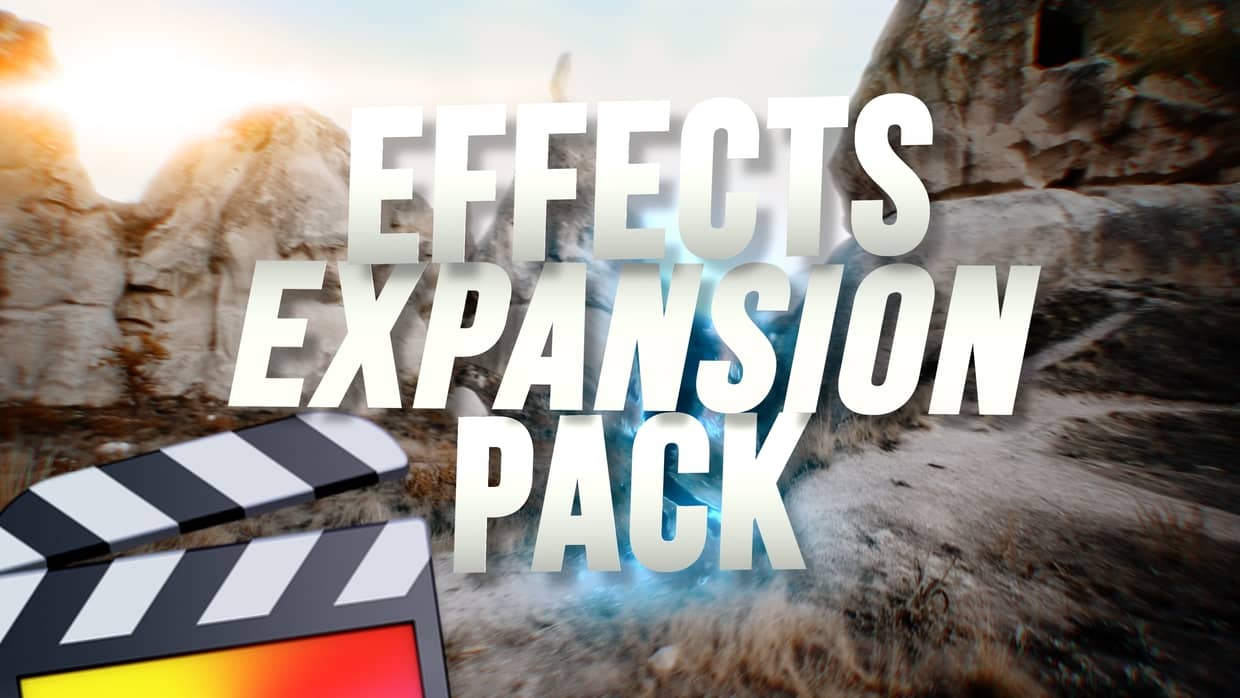
Ryan Nangle – Effects Expansion Pack – Final Cut Pro
Expand the power of Final Cut Pro with this Effects Expansion Pack! 46 Effect Plugins: - 360 Reorient - Bad TV - Black Hole - Bulge - Bump Map - Channel Blur - Circle Blur - Circles - Color Emboss - Crystalize - Defocus - Disc Warp - Edges - Extrude - Glass Distortion - Glint - Gradient Blur - Heatwave - Highpass - Indent - Light Rays - Line Art - Matte Magic - MinMax - Noise Dissolve -...
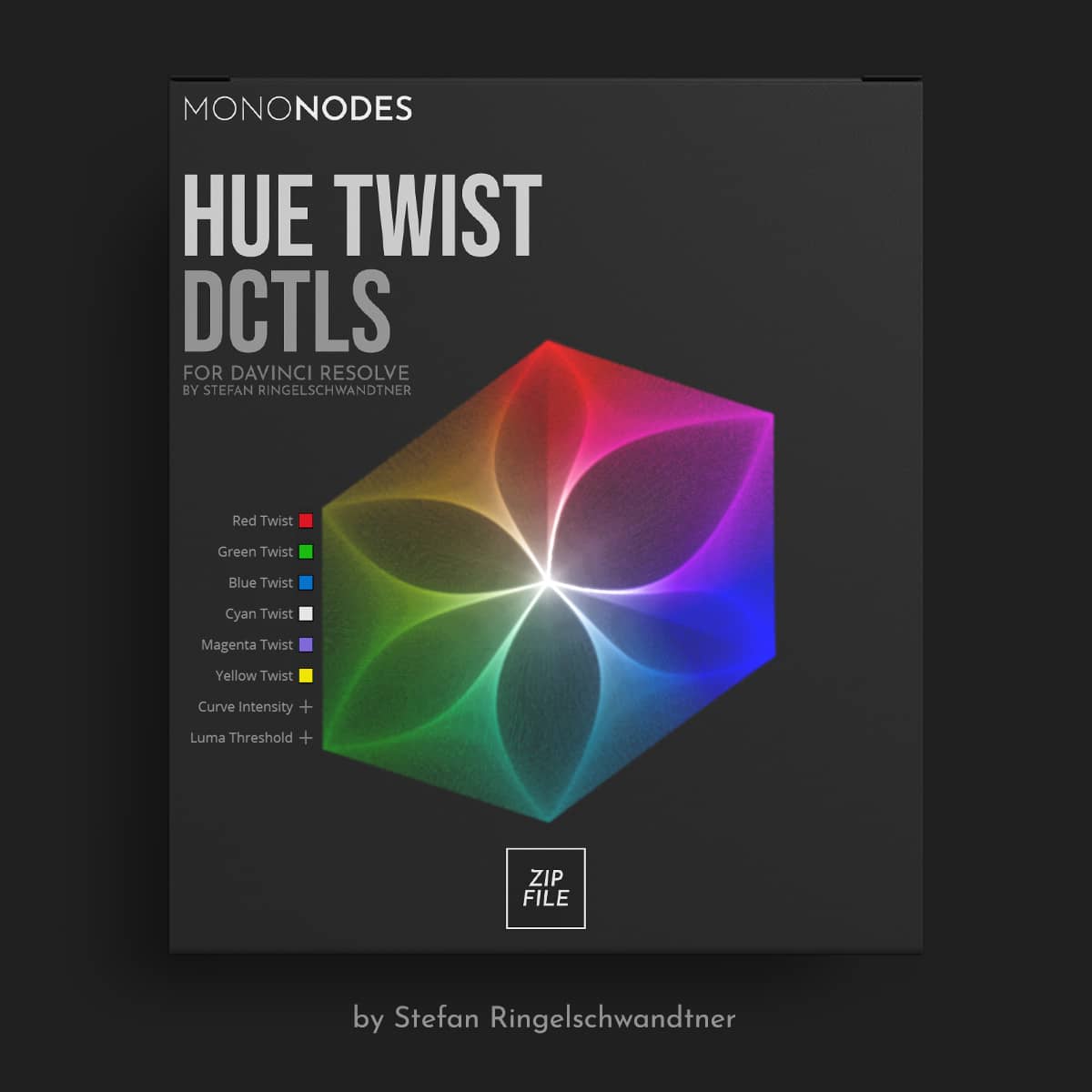
V2.1MONONODES – Hue Twist DCTL v2.1
The “Hue Twist” DCTL works by ‘twisting’ hue values towards their neighboring colors, but the interesting aspect here is that it does so based on the brightness value of the respective hue. Darker areas are automatically shifted towards the opposite adjacent hue value than lighter areas, adding a depth of complexity to the color manipulation process that goes beyond standard hue shift methods. Additionally, the tool offers flexibility in determining the brightness threshold and the intensity of the transition between...