
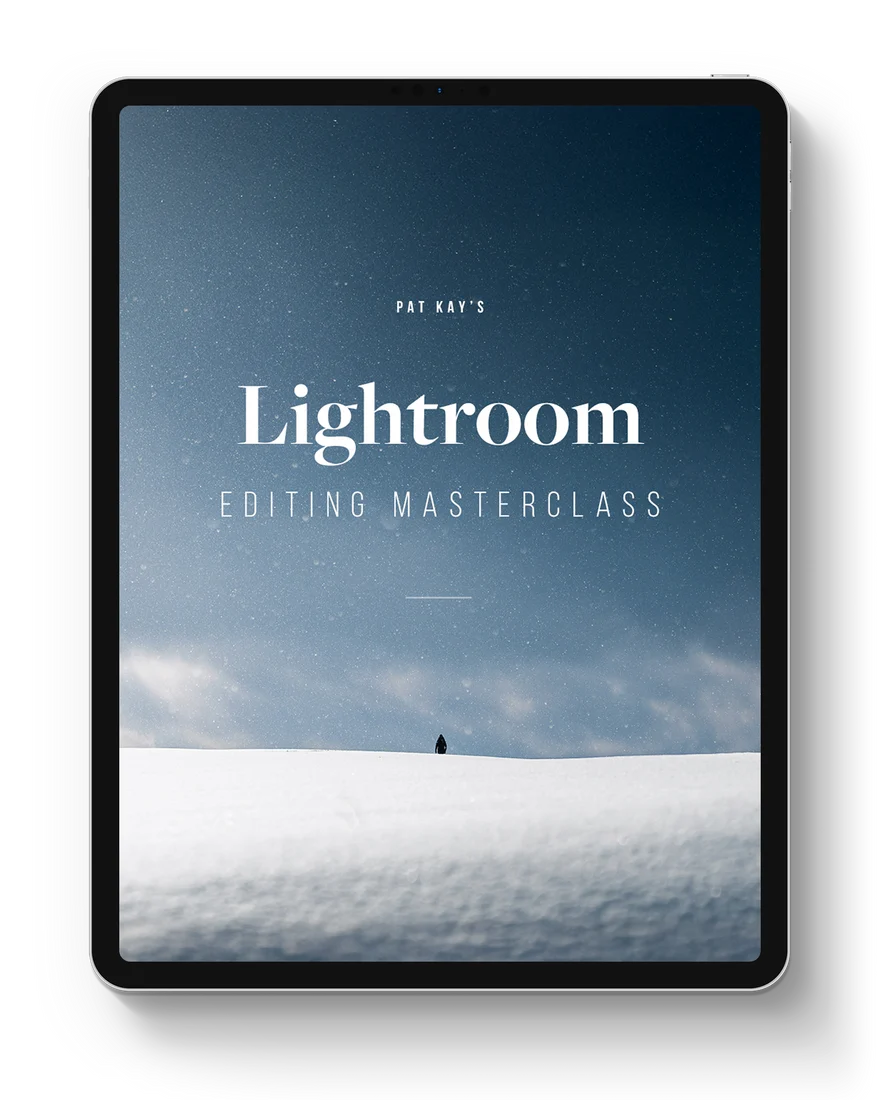
Getting good at Lightroom isn’t just about knowing the ins and outs of every tool. It’s about how you put your artistic vision to use; it’s about how creative you can be with your tools; it’s about how much you dare to experiment with something new.
That’s where this course is different to other Lightroom courses out there.
This isn’t just a “here’s how you use the app, that’s it” kind of course. Sure, we go through the fundamentals (and really break down the technicalities of how the tools work), but we also go through the more important things: workflow, creative and advanced editing, creating a visual aesthetic that is unique to you, understanding style, and how to create your own quality presets. The combination of all of these things is what truly makes you great at editing images.
And then to top it all off, we end the course with hours upon hours of real world, unfiltered editing of my own portfolio images, where I put on display absolutely every creative concept, idea, and technique I know. I put all my knowledge into this course, and after this, you’ll never need to watch another Lightroom tutorial ever again.
Lesson highlights
50 lessons across 8 modules, taught in Lightroom Classic. Every skill transfers to Lightroom CC, on any device.
Module 1
Introduction
Let’s get to know what we’ll be going through together, and cover the different versions of Lightroom and which we’ll be using to learn with.
Module 2
Importing and organisation
A good foundational knowledge of how to organise your images, because things get out of hand fast when we’re talking hundreds of thousands of them.
Module 3
Editing fundamentals
Even the most seasoned Lightroom users will pick up things they didn’t know about the Develop tools. We go into technical detail about how the tools actually work, rather than just sliding sliders.
Module 4
Local adjustments
Masking and local adjustments shape your images into unique pieces of art. This is where we introduce the Masking feature, a tool that will change the way you edit in Lightroom forever.
Module 5
Editing workflow
My exact workflow for every single image. Perfected over tens of thousands of edits: efficient, scalable, and non-destructive.
Module 6
Creative editing
Creative techniques using specific tools, and ways you can truly make your images unique and stand out from the crowd.
Module 7
Building a visual aesthetic
What style in photography truly is, and how to build a visual aesthetic. The fast track towards edits that feel unmistakably you.
Module 8
Editing sessions
Hours upon hours editing my portfolio images in a real, raw, unfiltered way. What editing in Lightroom is really like from a professional who does this every day.


Comments0