

AN EVERYDAY COLOUR CLASSIC…
ADVANCED SERIES: Beautiful hybrid styles developed by meticulously shooting, scanning and analysing the real film. Available for both Lightroom and Capture One, with almost exactly the same looks whichever version you choose.
We work hard to create the best film emulations possible for Capture One, and this is without doubt our most geeky and complex yet. Which is why we called it ‘Advanced’, I suppose. For the first time in Capture One history, we’ve combined traditional adjustment-based presets with custom colour profiles to get the most accurate recreation of analog film possible; yet it’s still versatile enough to use more subtly as a general-purpose colour grading tool.
About The Film
Back in the 80s and 90s, when film was king, Gold 200 was Kodak’s omnipresent consumer film – affordable enough to use for your everyday snapshots, while still offering beautiful rich colours. It’s still available today and though it’s not the sharpest, the most accurate, or the finest-grained stuff on the market, it still holds a special place in many photographers’ hearts. The emulsion sold today isn’t much different from the 1980s formula, so it’s a quick ticket to nostalgic vintagey mojo.
On the technical side it’s an ISO-200, C41 negative film available in 35mm format (110, medium format etc were discontinued long ago – they don’t exactly fit the ‘consumer’ demographic these days!). It gives warm colours – but not oversaturated – and a rather pleasing grain that isn’t the finest available, but still gives you plenty of detail.
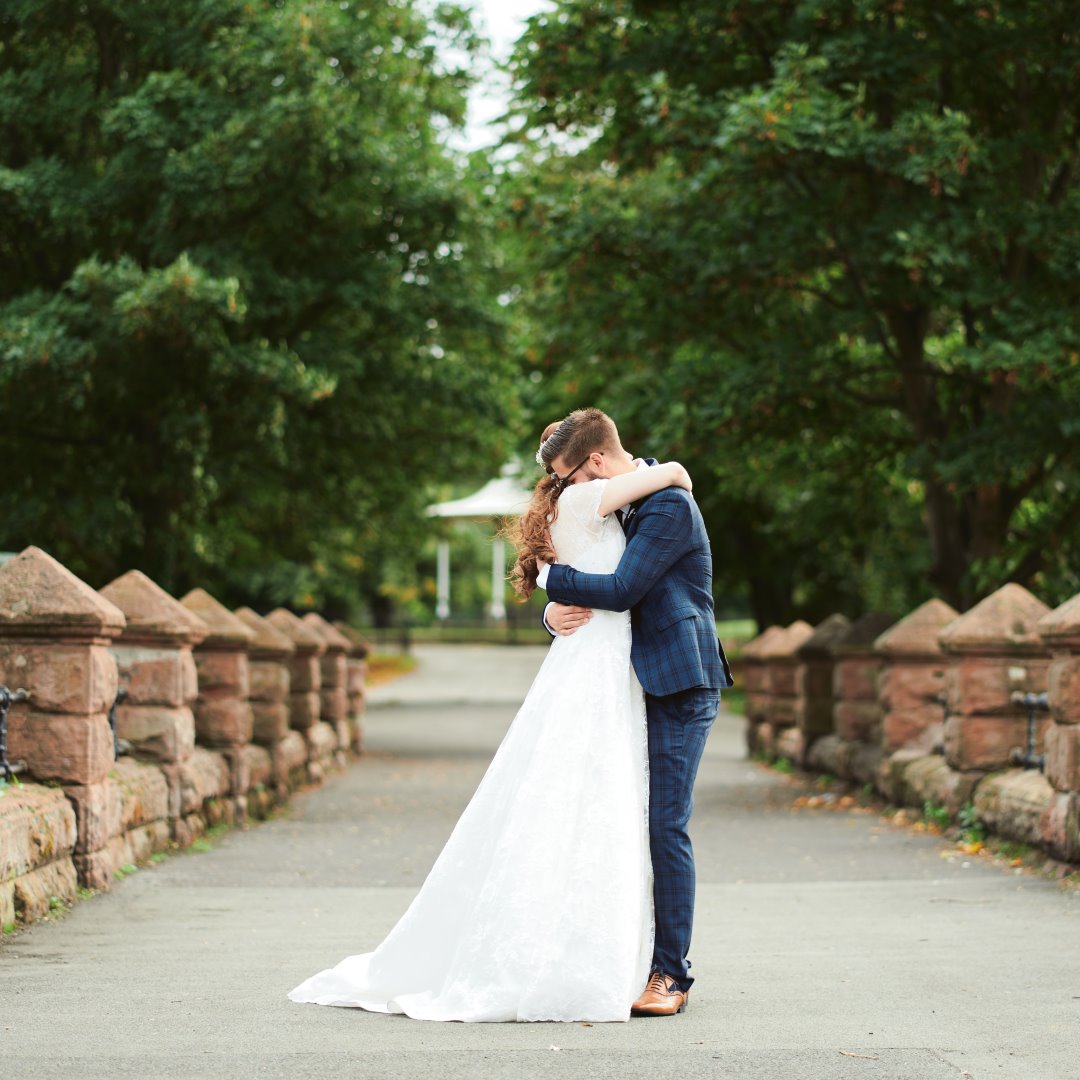
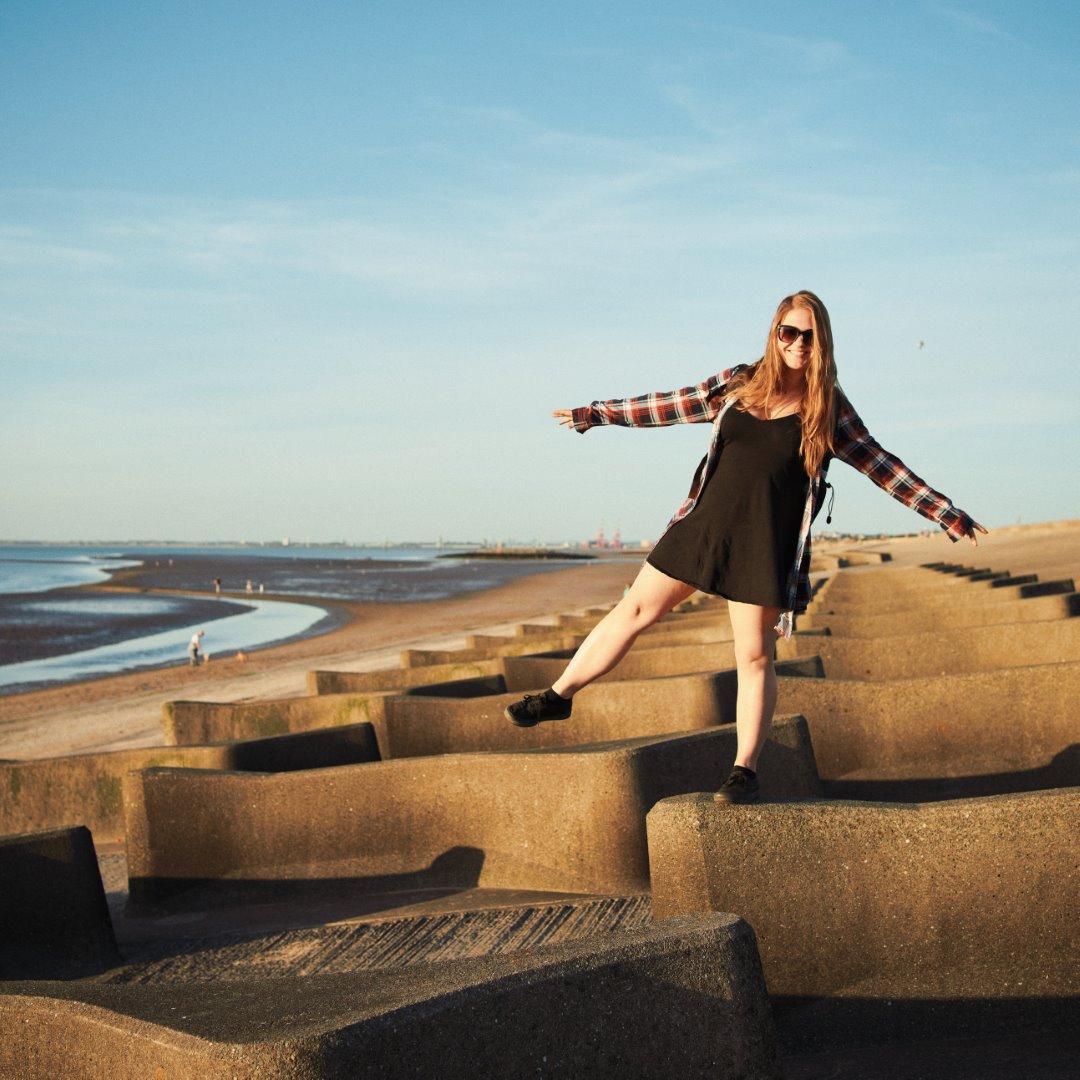
It’s the stuff of holidays, family trips, casual snapshots, endless summers; the warm fuzzy haze of fond memories. And we’ve done our best to capture that.
OUR EMULATION
We shot and scanned a variety of test scenes on Gold 200, covering a range of typical shooting and lighting conditions (along with matching shots on digital). After many late nights of studying and tweaking, we ended up with 14 unique colour profiles.
Lightroom supports this sort of thing natively, but getting them into Capture One is a lot less simple. Although it supports ICC profiles, these also have to handle the basic initial raw adjustments, which are different for every camera.
So we spent many long hours analysing the output of different cameras to find a suitable neutral ‘middle ground’ – a base profile which would give good results with any camera – to build our colour profiles upon. In the end we’re really happy with the results; each camera will have a slightly different look, but they’re no stronger than the differences you can get developing and scanning film. As far as we know, this is the first time anyone’s done film emulation in Capture One with this method, but we think the extra effort paid off.
One lovely bonus is that our Capture One and Lightroom styles duplicate each other almost perfectly, so users switching from one to another (or using both) can get matching results. In the following pages we’ll explain a bit more about the technical stuff and – much more importantly – how you can use the results of our complicated nerdy work to make your pictures look good.

















Comments0