
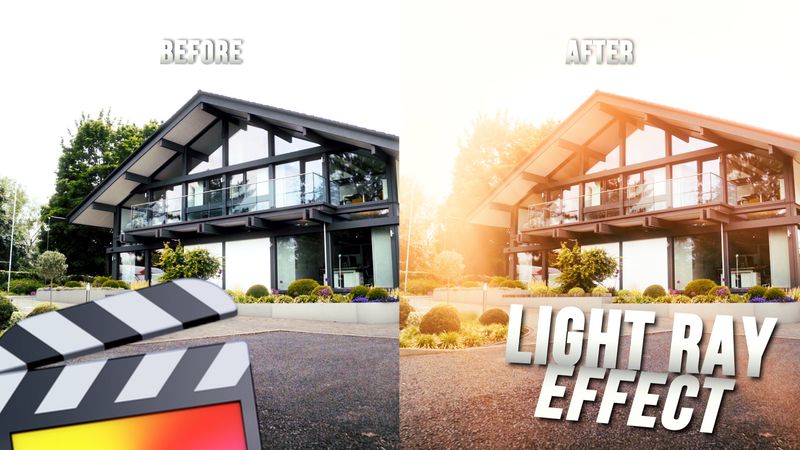
Ryan Nangle – Light Ray Effect – Final Cut Pro
Light Ray Effect Plugin for Final Cut Pro. - 2 Light Ray Effects - Easy drag and drop effects- Customizable https://youtu.be/sPhGLn_7ZtE
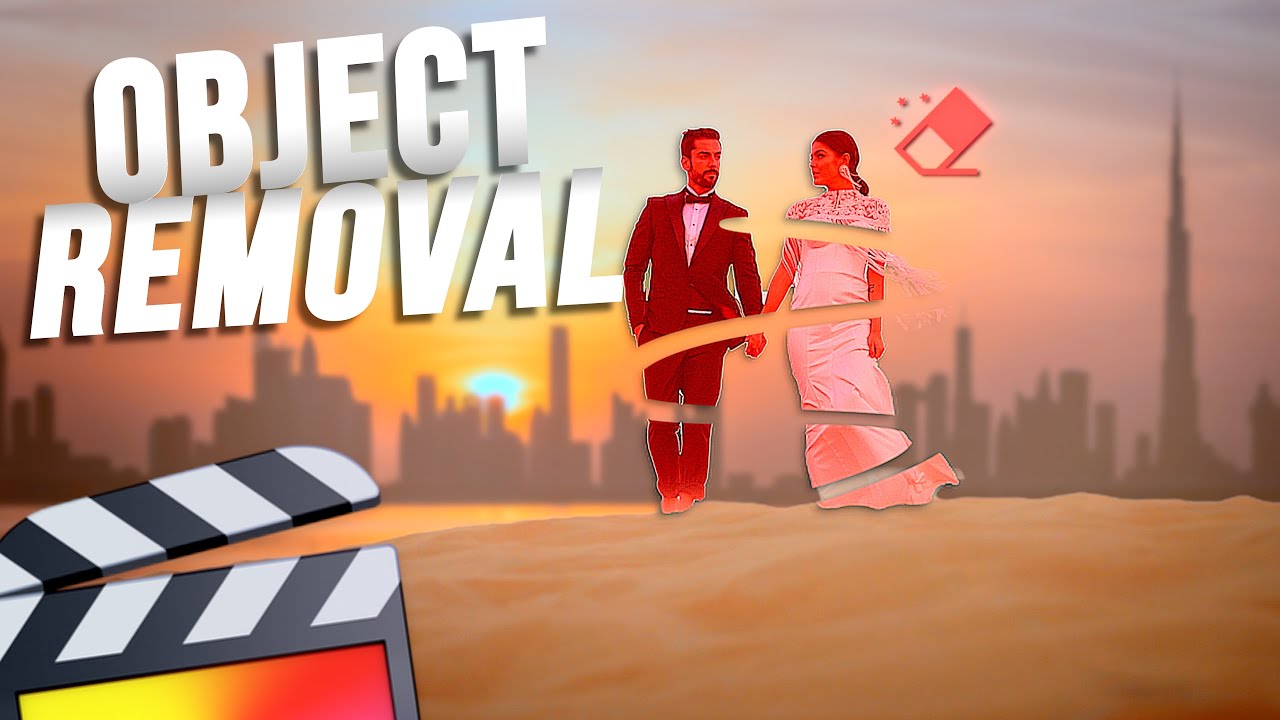
Ryan Nangle – Object Removal Effect – Final Cut Pro
Object Removal Effect Plugin for Final Cut Pro. - Drag and drop effect - Works With Vertical Video - Lighting parameters to match scene - Remove people and objects from your video https://youtu.be/fMt8YuQWVvU
Ryan Nangle – Ultimate RGB Split Plugin – Final Cut Pro X
This is a FCPX Effect Plugin which allows you to control all of the RGB color channels seperately. To install, simply save the download folder in your Motion Templates, Effects Folder. https://youtu.be/cN-YzfrRF2A
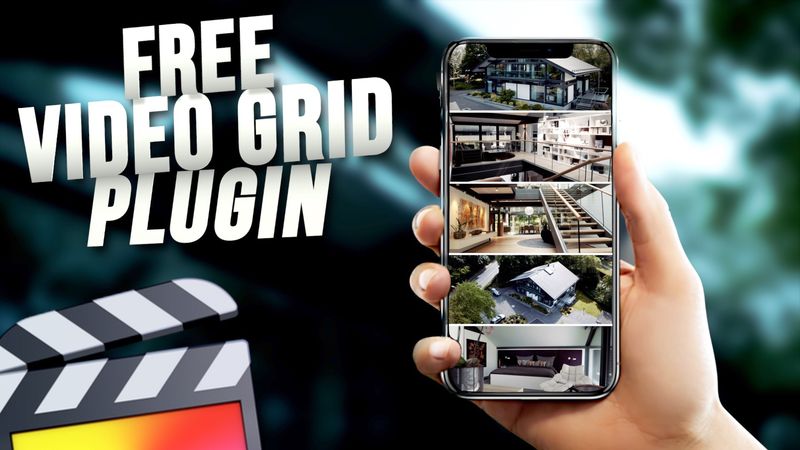
Ryan Nangle – Vertical Video Grid Effect – Final Cut Pro
Vertical Video Grid Effect for Final Cut Pro.- 12 Video grid effects - Drag and drop effects- Customizable - Vertical video only https://youtu.be/phdUjklr1d0
Ryan Nangle – Pixel Scan Effect – Final Cut Pro
Pixel Scan Effect Plugin Pack for Final Cut Pro. - 8 Pixel Scan Effects - Works with all types of media, video, titles, logos etc.- Drag and drop effects- Customizable https://youtu.be/rtrrR4dkguM
Ryan Nangle – CRT TV Effect – Final Cut Pro
CRT TV Effect Plugin Pack for Final Cut Pro. - 11 CRT TV Effects - Works with all types of media, video, titles, logos etc.- Easy drag and drop effects- Customizable To install, save the downloaded folder in your Motion Templates - Effects folder. Or watch the tutorial below for instructions.Heres a TUTORIAL on how to INSTALL plugins to FCPXhttps://www.youtube.com/watch?v=EUugTZYnyGISystem Requirements:- Final Cut Pro 10.6.4 or above© All Rights Reserved Ryan Nangle https://youtu.be/Rpo8gRign3s
Ryan Nangle – Liquefy Effects Pack – Final Cut Pro
Liquefy Effect Plugin Pack for Final Cut Pro. - 16 liquefy effects - 4 Glow effects- Drag and drop effects- Customizable To install, save the downloaded folder in your Motion Templates - Effects folder. Or watch the tutorial below for instructions.Heres a TUTORIAL on how to INSTALL plugins to FCPXhttps://www.youtube.com/watch?v=EUugTZYnyGISystem Requirements:- Final Cut Pro 10.6.4 or above https://youtu.be/Dhr26Av2NAg
Ryan Nangle – Glitch Effects Pack – Final Cut Pro X
42 Glitch effects for Final Cut Pro X! To install simply save the download folder in your Motion Templates Effects folder. Heres a TUTORIAL on how to INSTALL plugins to FCPXhttps://www.youtube.com/watch?v=EUugTZYnyGI System Requirements: - FCP X 10.2.1 or above https://youtu.be/pPlLxxO7Hc0
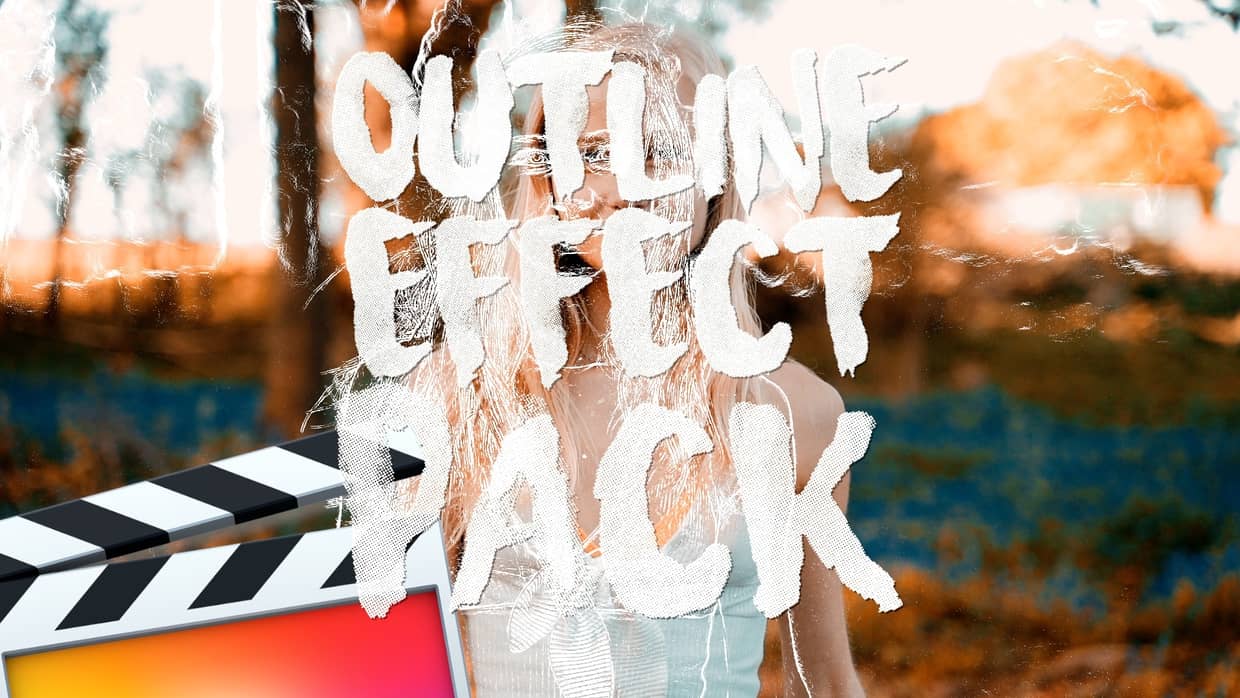
Ryan Nangle – Outline Effect Pack – Final Cut Pro
7 preset outline effects! Including: - Color Shift - Neon - Neon Color Shift - Black outline - Outline only - White outline - Strobe All presets are adjustable to create your own unique look.To install, save the downloaded folder in your Motion Templates - Effects folder. Or watch the tutorial below for instructions.Heres a TUTORIAL on how to INSTALL plugins to FCPXhttps://www.youtube.com/watch?v=EUugTZYnyGISystem Requirements:- FCP X 10.4.4 or above
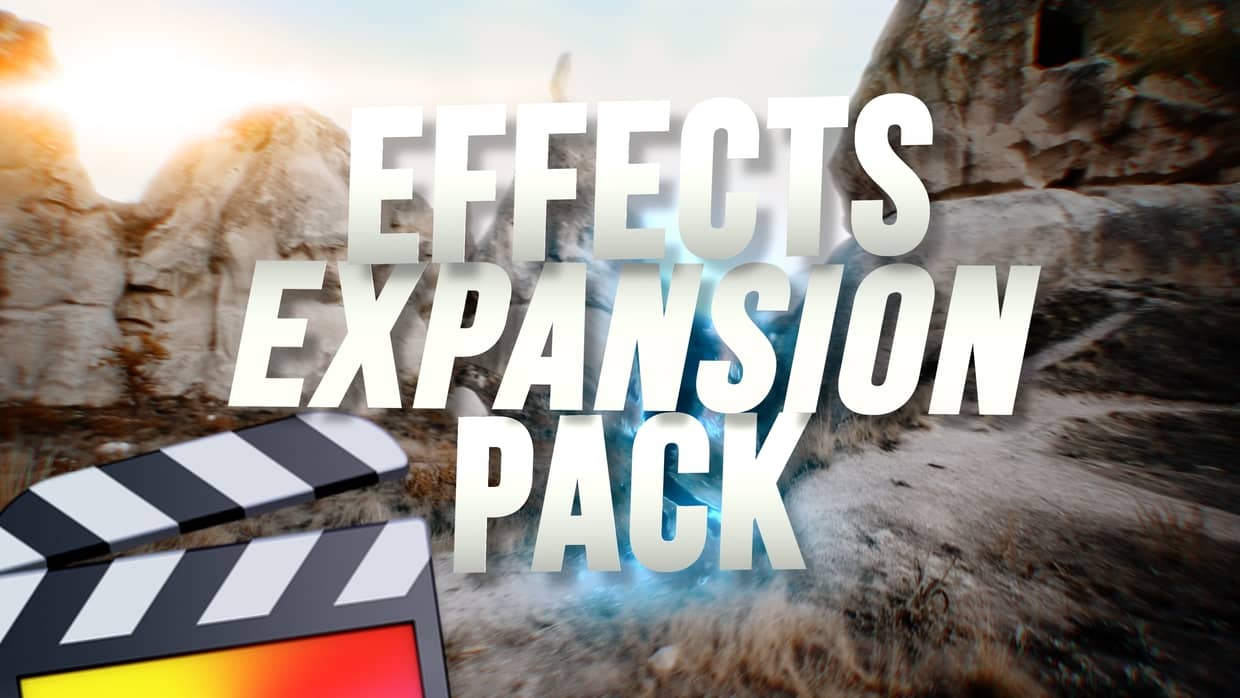
Ryan Nangle – Effects Expansion Pack – Final Cut Pro
Expand the power of Final Cut Pro with this Effects Expansion Pack! 46 Effect Plugins: - 360 Reorient - Bad TV - Black Hole - Bulge - Bump Map - Channel Blur - Circle Blur - Circles - Color Emboss - Crystalize - Defocus - Disc Warp - Edges - Extrude - Glass Distortion - Glint - Gradient Blur - Heatwave - Highpass - Indent - Light Rays - Line Art - Matte Magic - MinMax - Noise Dissolve -...
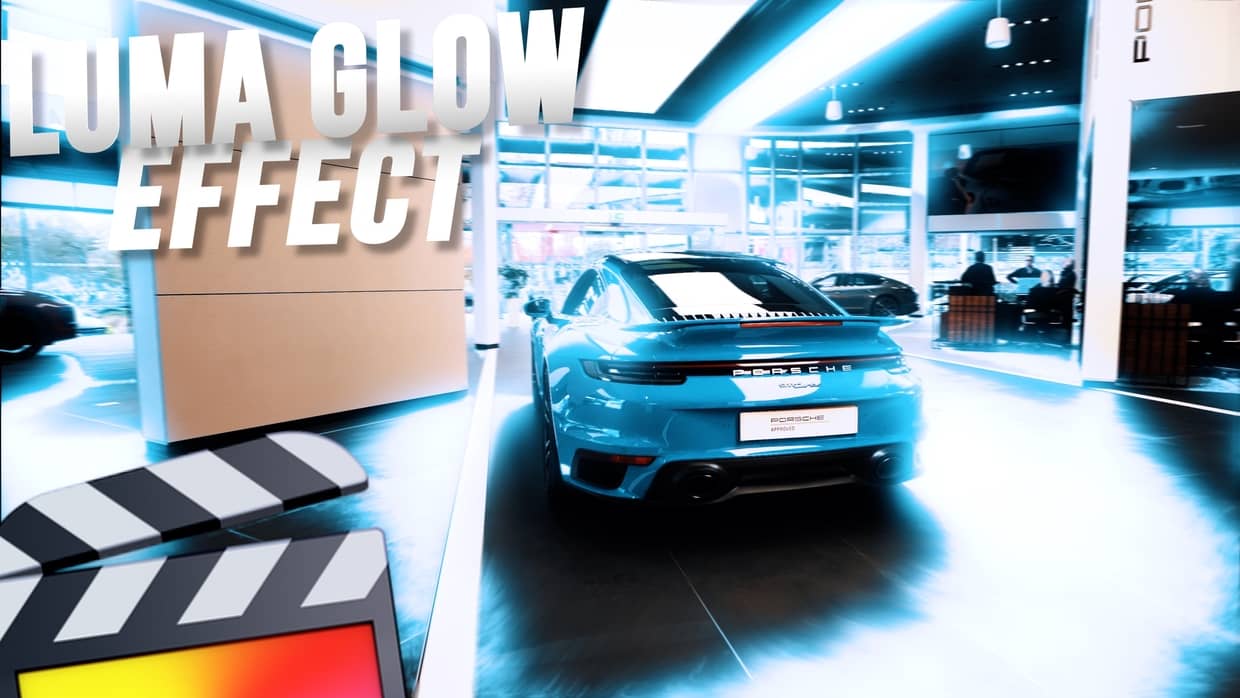
Ryan Nangle – Luma Glow Effect – Final Cut Pro
Luma Glow Effect Plugin Pack for Final Cut Pro. - 8 effect presets - Drag and drop effects- Customizable To install, save the downloaded folder in your Motion Templates - Effects folder. Or watch the tutorial below for instructions.Heres a TUTORIAL on how to INSTALL plugins to FCPXhttps://www.youtube.com/watch?v=EUugTZYnyGISystem Requirements:- Final Cut Pro 10.6.4 or above https://youtu.be/uHrvlS54vYQ
Ryan Nangle – 8mm Film Effects Pack – Final Cut Pro X
8mm Film Effects for Final Cut Pro X! - 12 Preset 8mm film effects - 4 Dust effects- 9 Film burn effects- 1 Vintage color grading LUT- Each customizable for a unique look To install, save the downloaded folder in your Motion Templates - Effects folder. Or watch the tutorial below for instructions. Heres a TUTORIAL on how to INSTALL plugins to FCPXhttps://www.youtube.com/watch?v=EUugTZYnyGI Compatible with standard 16:9 video project sizes only: HD 1920x1080, 4K 3840x2160 etc. System Requirements: - FCP X 10.4.4...
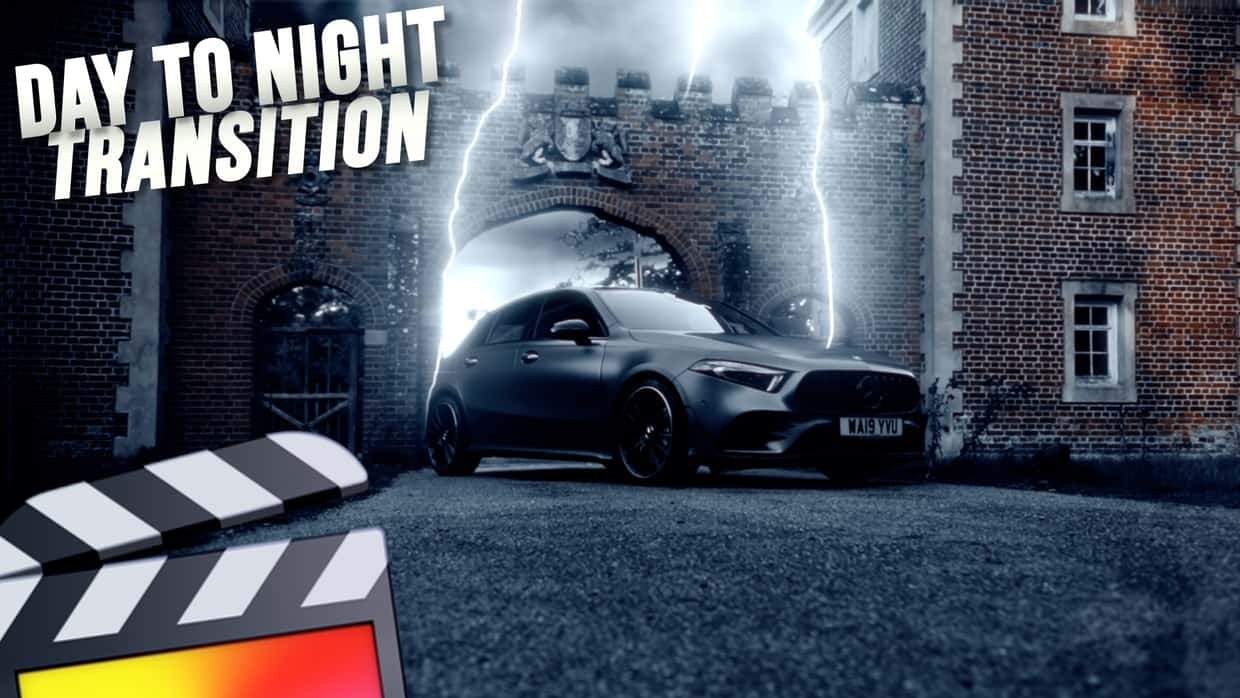
Ryan Nangle – Lightning Plugin – Final Cut Pro
This plugin instantly adds dramatic lightning to your scene. Great for transitions and dramatic effects! - Title plugin for greater freedom on your timeline- Easy to use on-screen controls- Fully Customizable with lots of parameters to control To install, save the downloaded folder in your Motion Templates - Titles folder. Or watch the tutorial below for instructions. Heres a TUTORIAL on how to INSTALL plugins to FCPXhttps://www.youtube.com/watch?v=EUugTZYnyGI System Requirements: - Final Cut Pro 10.6.3 or above
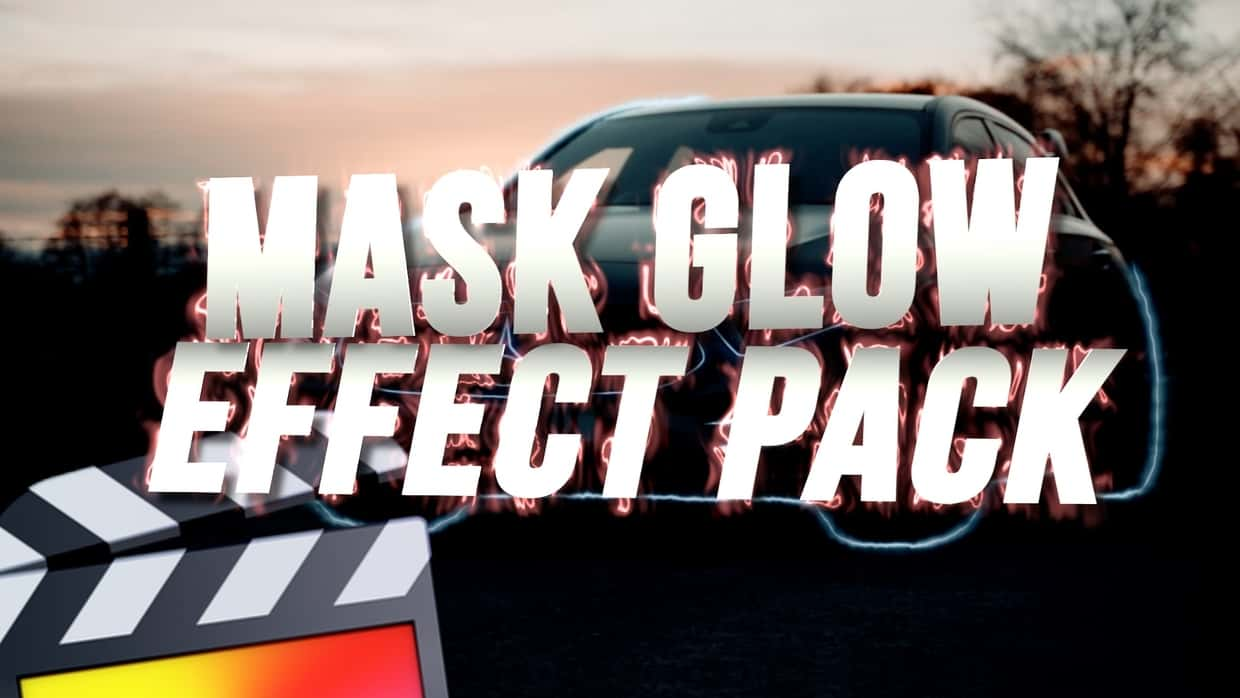
Ryan Nangle – Mask Glow Effect – Final Cut Pro
Add a glowing line effect to any mask, image edge, text and photo border with this drag and drop effect. To install, save the downloaded folder in your Motion Templates - Effects folder. Or watch the tutorial below for instructions. Heres a TUTORIAL on how to INSTALL plugins to FCPXhttps://www.youtube.com/watch?v=EUugTZYnyGI System Requirements: - Final Cut Pro 10.5.3 or above
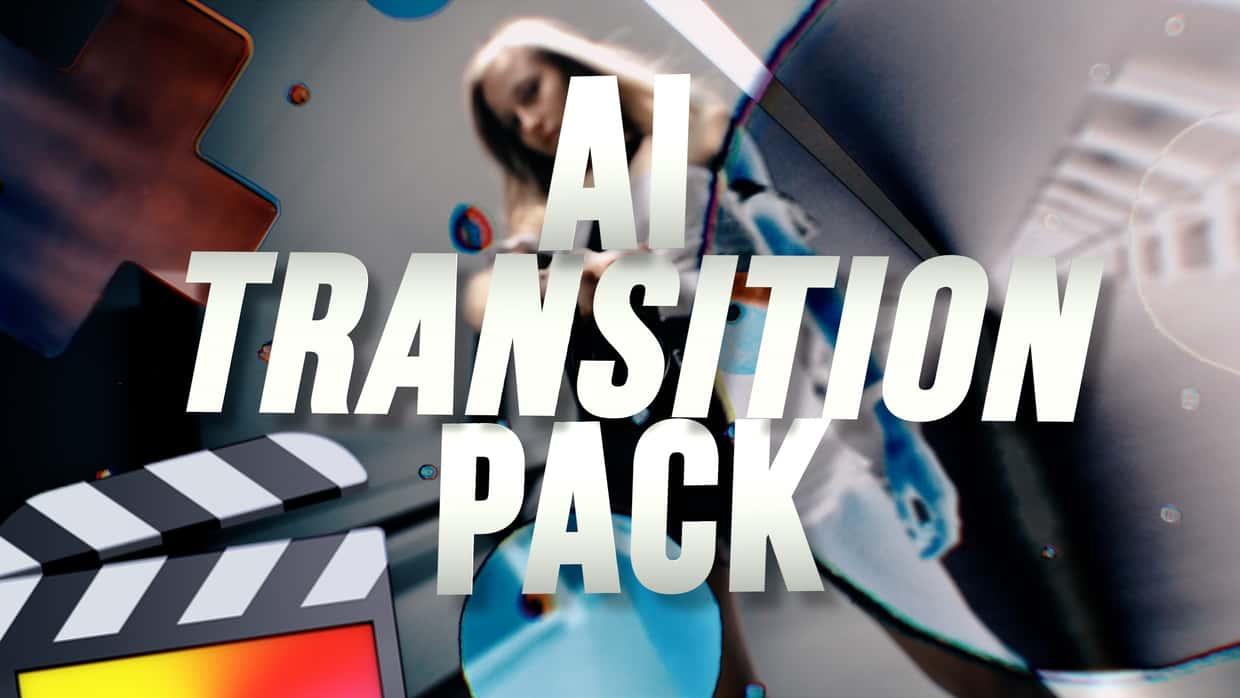
Ryan Nangle – AI Transition Pack – Final Cut Pro
- 20 Preset Transitions- Easy to use, drag and drop plugin - Made for Final Cut Pro version 10.6 or above To install, save the downloaded folder in your Motion Templates - Transition folder. Or watch the tutorial below for instructionsHeres a TUTORIAL on how to INSTALL plugins to FCPXhttps://www.youtube.com/watch?v=EUugTZYnyGI https://youtu.be/nchT976XRkQ
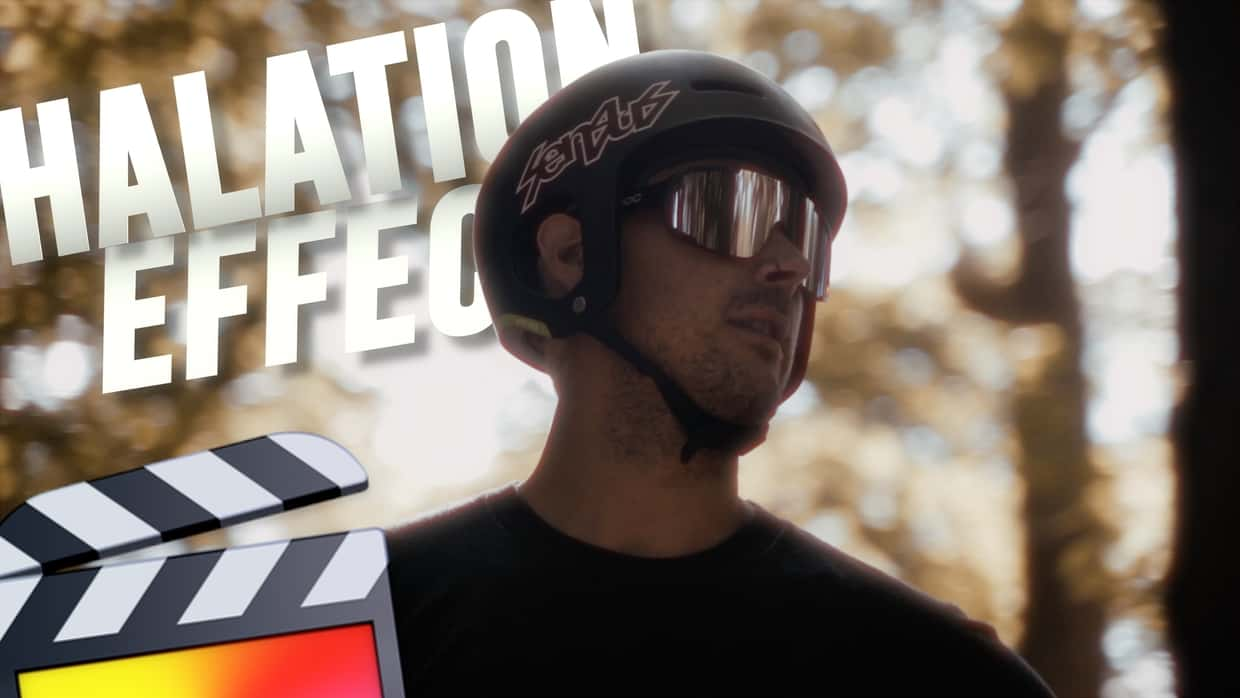
Ryan Nangle – Halation Effect Plugin – Final Cut Pro
This plugin pack includes 3 different effects and 2 color grading LUTs: - Halation Effect - Diffusion Effect - Film Look Effect To install, save the downloaded folder in your Motion Templates - Effects folder. Or watch the tutorial below for instructions. https://youtu.be/9OeVA-NZ28g
- 1
- 2