
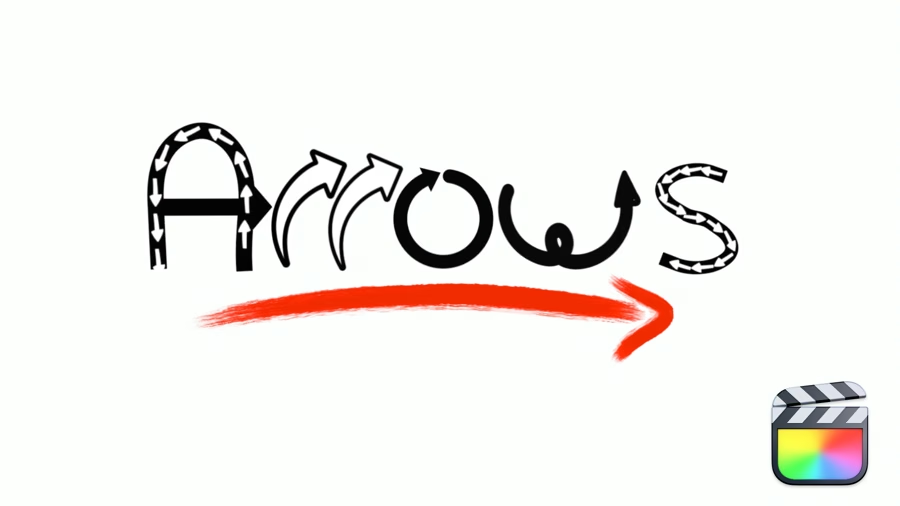
RT Arrows is a set of 39 title templates for Final Cut Pro that give you the ability to add customizable and trackable animated arrows to videos, images, and other visuals. Choose among hand-drawn, light-streak, multiple and stretchable arrow types. Each type includes on-screen controls for quickly adjusting the position, scale and rotation along with many controls for customizing the look of the arrows.
Click here to watch help movies.
Software version: FCP 10.7 or later.
Using Hand Drawn Arrows
Choose among 24 hand-drawn arrow styles. Quickly adjust the arrow position, scale, and rotation with on-screen controls. Change the fill and outline colors and pick from 3 animation speeds. For further refinement, add a stroke and glow!
Using Flow Arrows
Flow Arrows let you create a customized path, either linear or curved, with arrows flowing along a user-adjustable path. Change the speed, direction, and choose from three different arrow styles.
Using Stretchable Arrows
Stretchable Arrows are literally our most flexible arrow type. Choose between a straight, right angle, or multiple bend arrows. Each arrow type has on-screen controls for positioning, scaling and articulating them to make your point.
Using Blend Modes, Transforms & Effects
Use Final Cut Pro’s blend modes to composite arrows into your clips. Use the distort tool to match planes like walls or other non-parallel surfaces. Add effects like a drop shadow or use a mask to isolate part of the arrow.



Comments0