
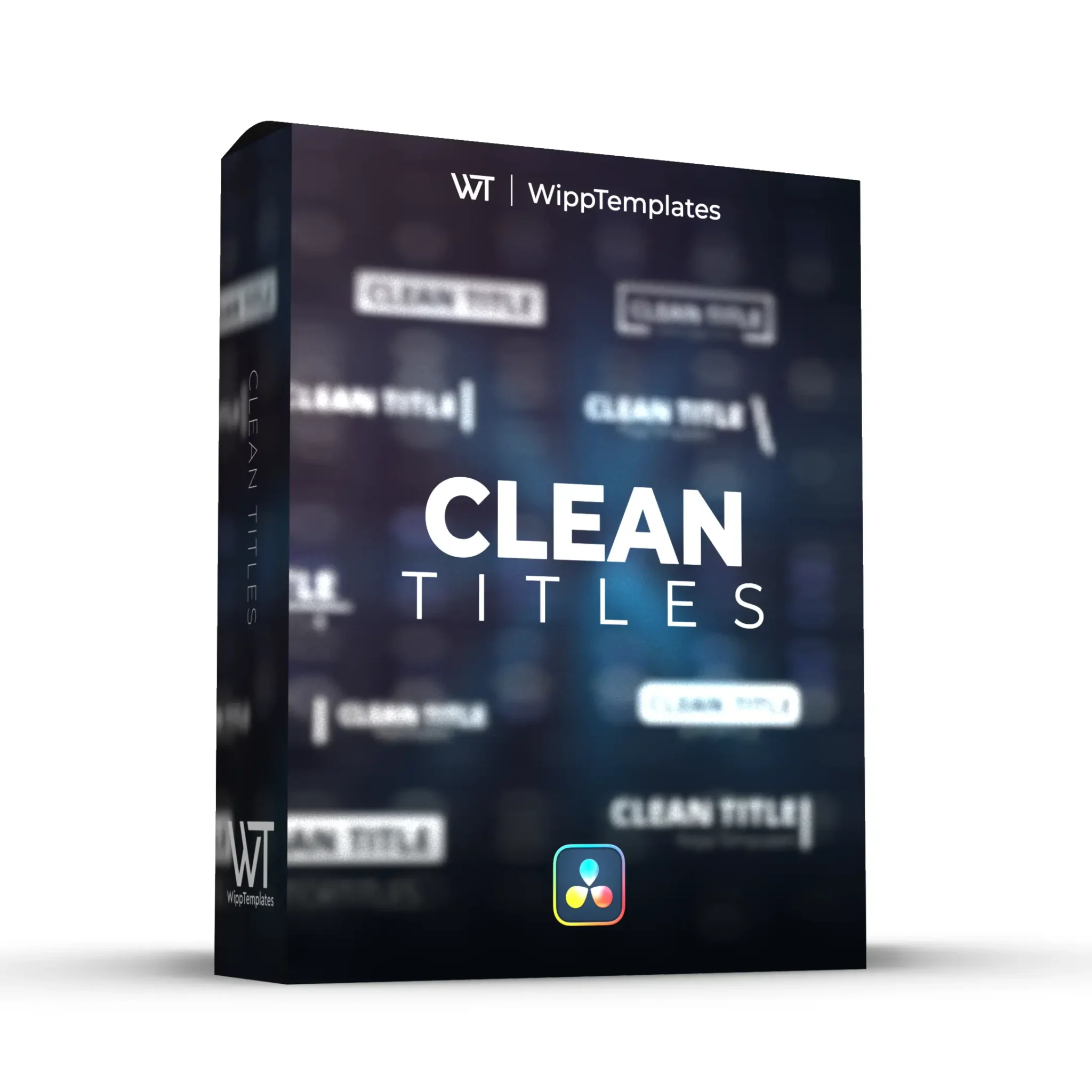
v2.01WippTemplates – Clean Titles
For all of the minimalists! 30 clean, simple title animations with TONS of customization options! This pack allows you to easily add in custom titles in just a few seconds! https://youtu.be/t1aNMMdsmdo
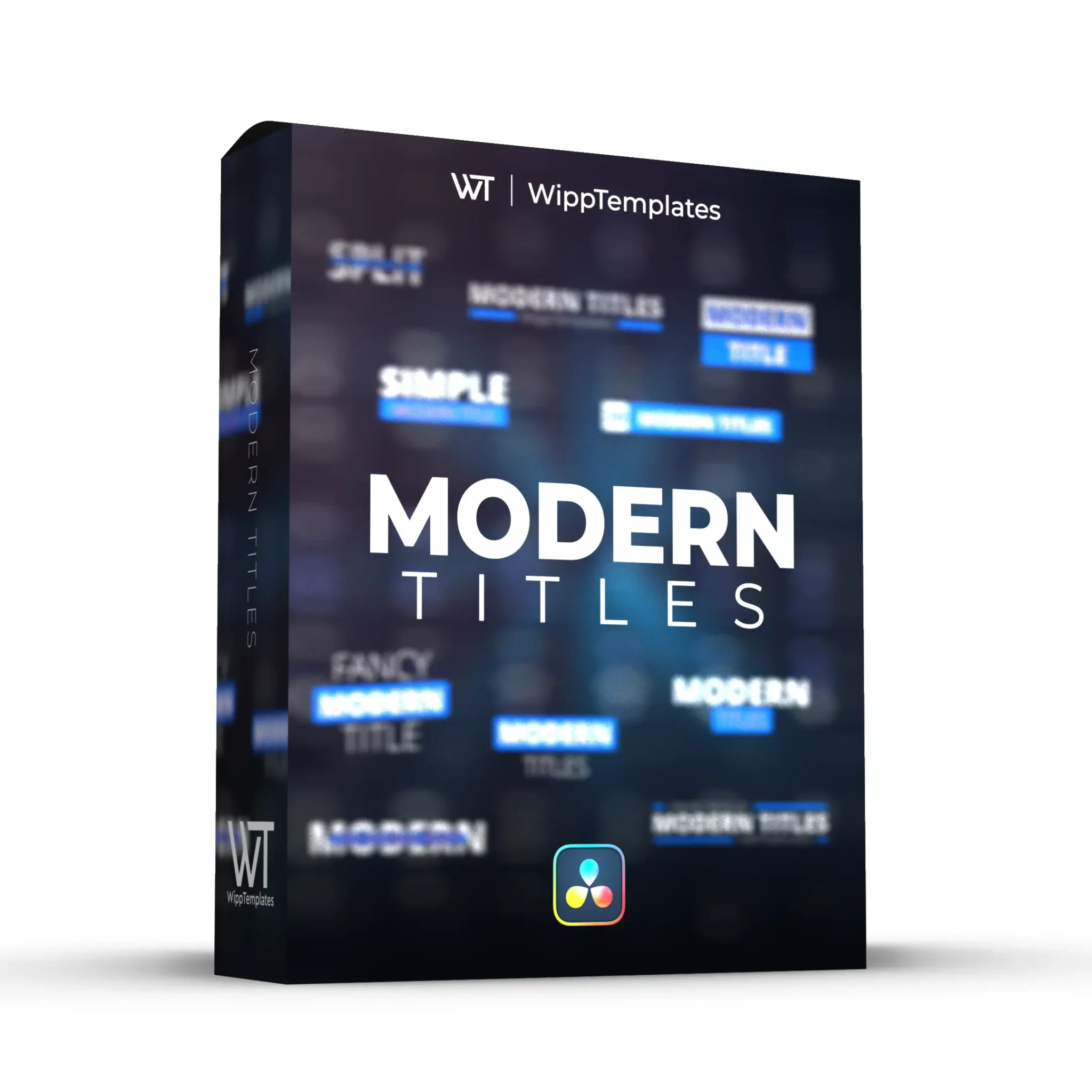
v2.01WippTemplates – Modern Titles
The Modern Title Pack for Davinci Resolve is a collection of 40 titles with a colorful, playful style. These titles work great for advertisements, social media, and YouTube videos! https://youtu.be/b-Cl037Ls7o
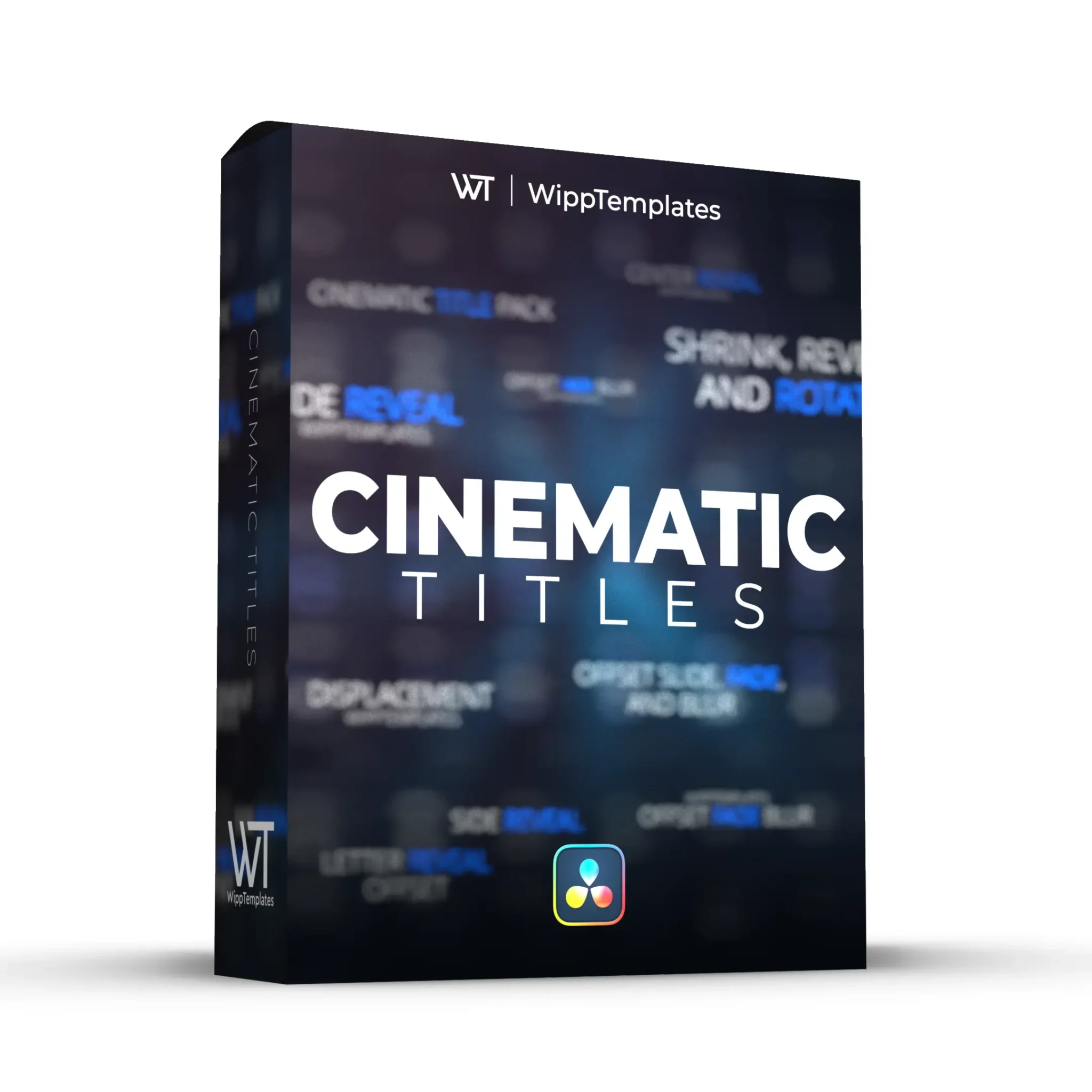
v2.01WippTemplates – Cinematic Titles
The ultimate collection of cinematic titles for Davinci Resolve. 50 smooth cinematic titles with the option to add a accent color, change the animation speed, and more! https://youtu.be/7KJb3S1mPMk
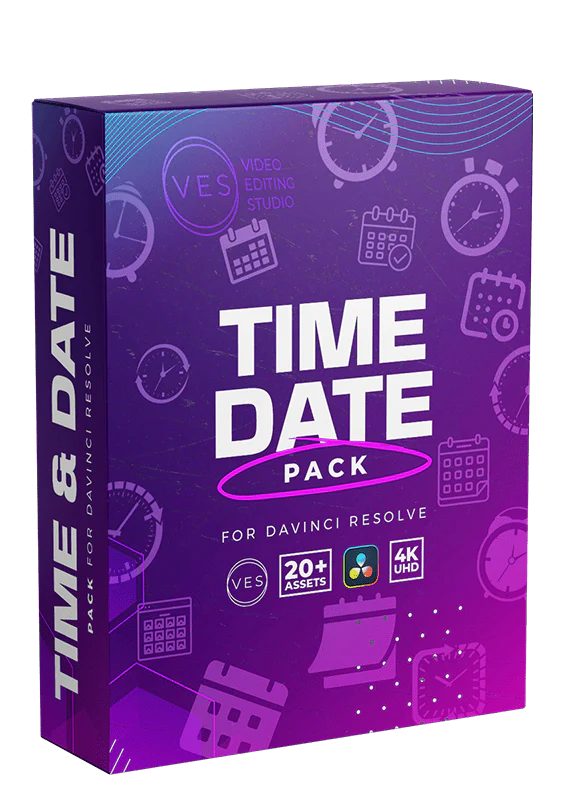
Video Editor Studio – Time & Date Pack
Introducing our Time & Date Pack for Davinci Resolve – a collection of 20 titles designed to simplify your video editing. With seamless drag-and-drop integration, these titles offer unique features like adjusting the timing of the animation directly from the Edit Page. Effortlessly enhance your videos by incorporating calendars, timers, dates, and more. Each title boasts a carefully crafted sleek modern design, maintaining a neutral aesthetic to effortlessly suit a broad range of video genres. Make video editing a breeze...
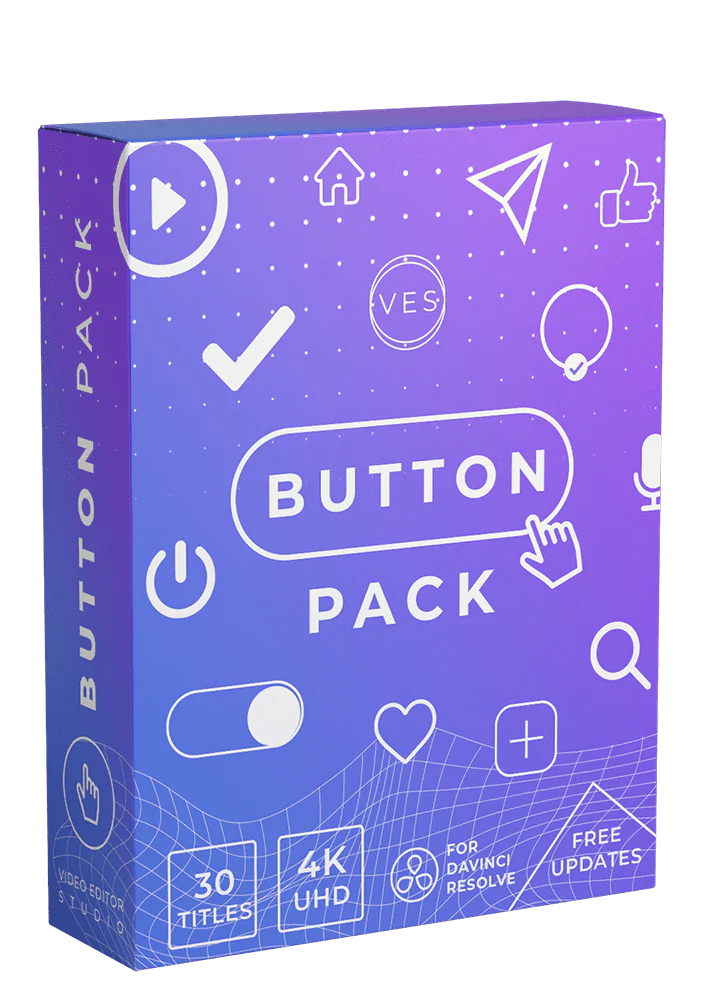
Video Editor Studio – Buttons Title Pack
Enjoy a library of 30 button titles that will help you make your video more captivating and speed up your workflow. They are easy to use and fully customizable, you can adjust every part of the design and even choose the animation speed, it's the title toolkit you need to make your videos extra professional! https://youtu.be/xbxjzcghZdo
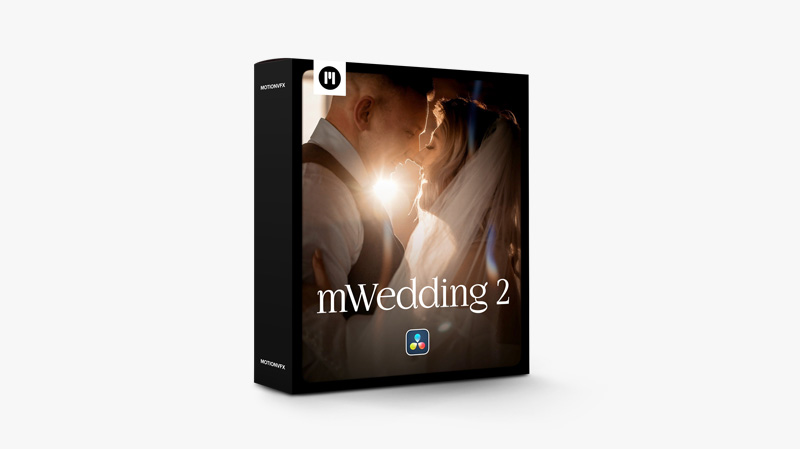
MotionVFX – mWedding 2 DVR — Wedding Video Essentials for DaVinci Resolve
Create a perfect visual diary of your happiest day with our minimalistic and elegant wedding videos. We balance modern and vintage styles with sophisticated DaVinci Resolve effects and titles for truly timeless memories https://youtu.be/VyADge1y0Os
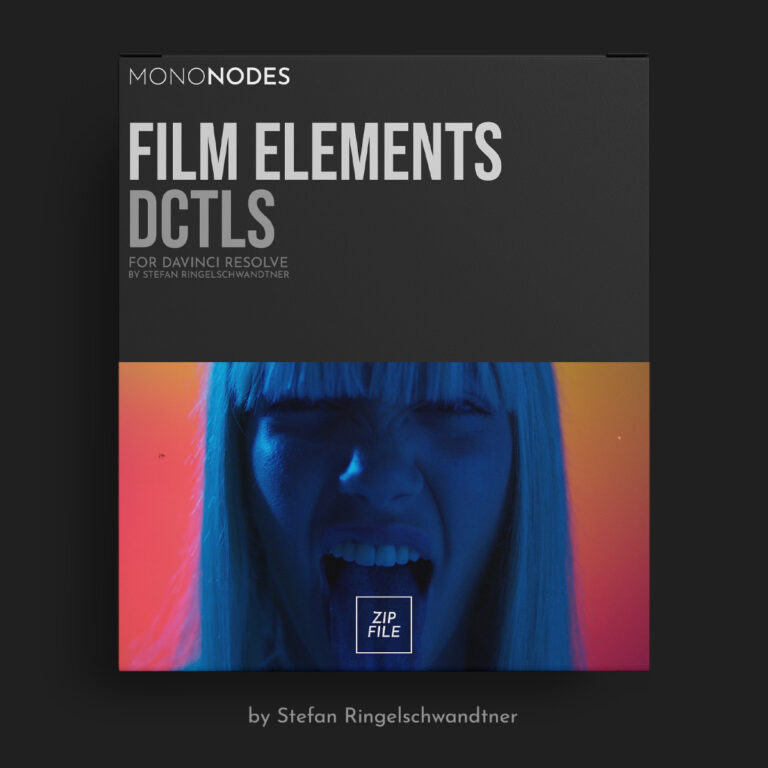
v2.0MONONODES – FILM ELEMENTS DCTLS v2.0
Film Elements is a collection of DCTL tools designed to reproduce the subtle qualities of analog film within a digital workflow. Each module emulates a specific optical, photochemical, or physical characteristic such as grain, halation, vignette, lens distortion, flicker, gate weave, and surface artifacts like dust, dirt, and hair. Description DCTLEs for DaVinci Resolve Studio.Compatible with DaVinci Resolve Studio 19.1 or later.MacOS, Windows, Linux. More information:https://mononodes.com/film-elements/ LAST UPDATED:10-20-2025 Included:– MONO-CA-v2.0.dctle– MONO-Dirt-Hair-v2.0.dctle– MONO-Dirt-Spots-v2.0.dctle– MONO-Edge-Blur-v2.0.dctle– MONO-Flicker-v2.0.dctle– MONO-Gate-Weave-v2.0.dctle– MONO-Grain-v2.0.dctle– MONO-Halation-v2.0.dctle– MONO-Lens-Distortion-v2.0.dctle– MONO-MTF-v2.0.dctle– MONO-Reframe-v2.0.dctle–...
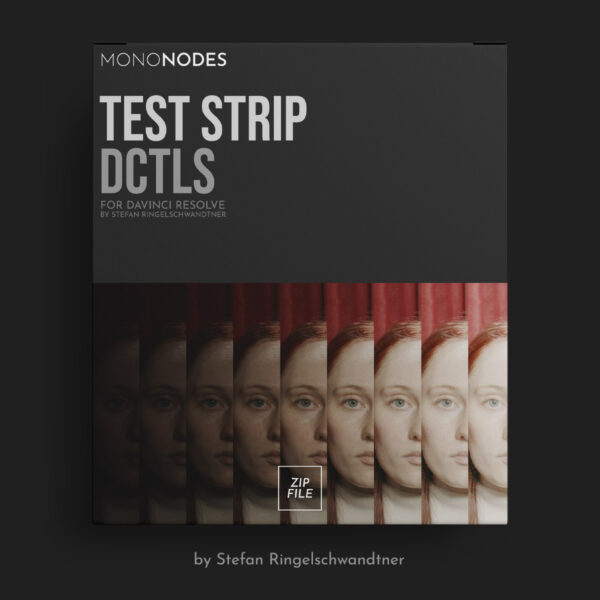
MONONODES – TEST STRIP DCTLS v3.0
Judging an image in isolation is difficult. Without a direct reference, it’s hard to know whether the image is too dark, too flat, or oversaturated. Side-by-side comparison reveals subtle differences instantly. Scopes like the waveform or vectorscope provide numerical feedback but lack visual context. The Test Strip DCTL solves this by displaying multiple grading variations simultaneously, allowing precise visual evaluation of exposure, contrast, and saturation. Inspired by the traditional test strips of photography, this tool applies the same practical approach...
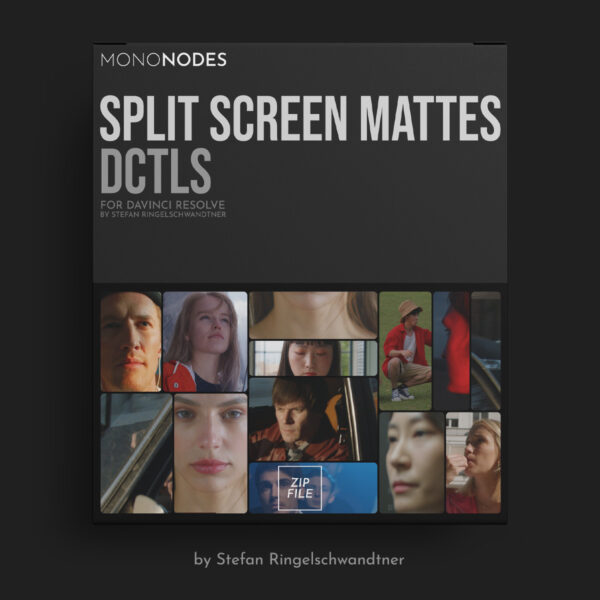
v1.0MONONODES – SPLIT SCREEN MATTES DCTLS
This pack provides procedural layout tools for DaVinci Resolve. These DCTLs are designed for editors and colorists who want precise, controllable split screens without relying on PNG overlays, Fusion, or fixed templates. All mattes are generated in real time, and every layout automatically adapts to resolution and aspect ratio. You can adjust spacing, margins, rounded corners, rows, shapes, and geometry directly from the Color Page using simple sliders. This replaces static split-screen assets with a flexible and fully adjustable workflow....
CarVinci – Ultra MotionBlur Plugin
ULTRA MotionBlur PLUGIN for DaVinci Resolve -This Plugin works in the Free and in the Studio Version of DaVinci Resolve HOW TO USE? Just doubble click the DRFX file Open DaVinci Resolve Click on Install Go to Effects Libary (If you can't see it: restart DaVinci Resolve) Search for CarVinci Ultra MotionBlur Plugin Drag and Drop on your clip Adjust the MotionBlur Strength adjust the Curve how you want Done!!! Check out the Tutorial to see how it works
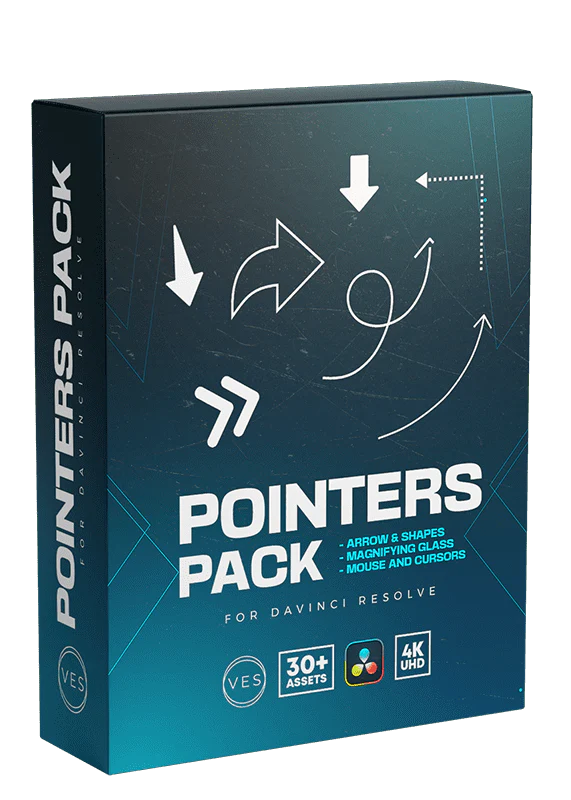
Video Editor Studio – Pointers Pack
Direct your audience's focus effortlessly with our Pointer Title Pack for Davinci Resolve. This pack includes 30+ dynamic pointer titles designed to guide and emphasize key points in your videos. With a seamless drag-and-drop integration and complete customization options in the inspector, you can tailor each pointer title to suit your unique style and narrative. Precision is at your fingertips as you choose from a variety of arrows, shapes, and more to point your audience in the right direction. Elevate...

Loris Marie – Negative Powergrade ( Davinci Resolve )
Experience the organic, textured, and timeless look of classic Hollywood films directly inside DaVinci Resolve (Studio & Free).With Negative Powergrade, you get a unique node structure inspired by the legendary Kodak 5219 — the film stock used in masterpieces like Once Upon a Time in Hollywood by Quentin Tarantino. Designed for LOG, RAW & Rec.709 footage.Tested and approved on: Sony, Canon, Nikon, Fujifilm, Blackmagic, Panasonic, ARRI, RED. ✅ What you get: The Powergrade file (.drx) A detailed video tutorial (6:15)...
Mark Bone – POWER GRADE – MB+NP
The MBNP PowerGrade Package gives you everything you need to get cinematic color out of any camera, in any lighting situation. It’s built on a universal grade that’s designed to be clean, natural and incredibly forgiving, so even if you miss your exposure or make mistakes on set, you can still pull beautiful tone and depth out of your footage. Along with the full PowerGrade and LUT suite, you’ll also get our complete Resolve Masterclass on color grading, where DP + Colorist Nik Pilecki...
Ryanherrick – PRE ANIMATE V2
Pre-Animate V2 - Way More. Way Cleaner. Tons of new animations that actually look good and work better. Cleaner motion - more options - smoother results. Just drag it on your text or image and it does the rest. Built to make your edits pop without wasting time.
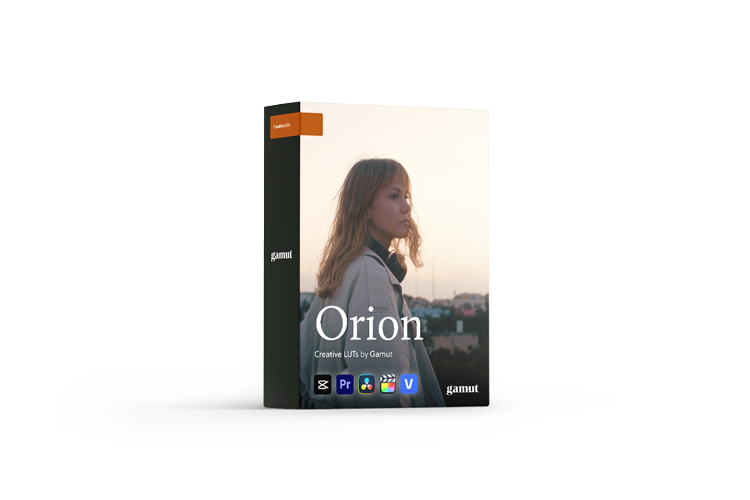
Gamut – Orion LUTs+Powergrade
The Orion LUT Collection emulates classic film stocks with three versatile looks—Classic, Warm, and Cool—each available in Contrast and Crushed versions. Rich reds, deep blues, and dynamic shadows give your footage a timeless, cinematic feel with creative flexibility. Every pack consists of 9 LUTs: OrionOrion +CONOrion +CRUSHOrion (Warm)Orion (Warm) +CONOrion (Warm) +CRUSHOrion (Cool)Orion (Cool) +CONOrion (Cool) +CRUSH if you purchase the Powergrade, you will also receive the Orion Powergrade for Davinci Resolve https://youtu.be/ofsWV6i35tU?list=TLGGg_liIcEpn28xODEyMjAyNQ
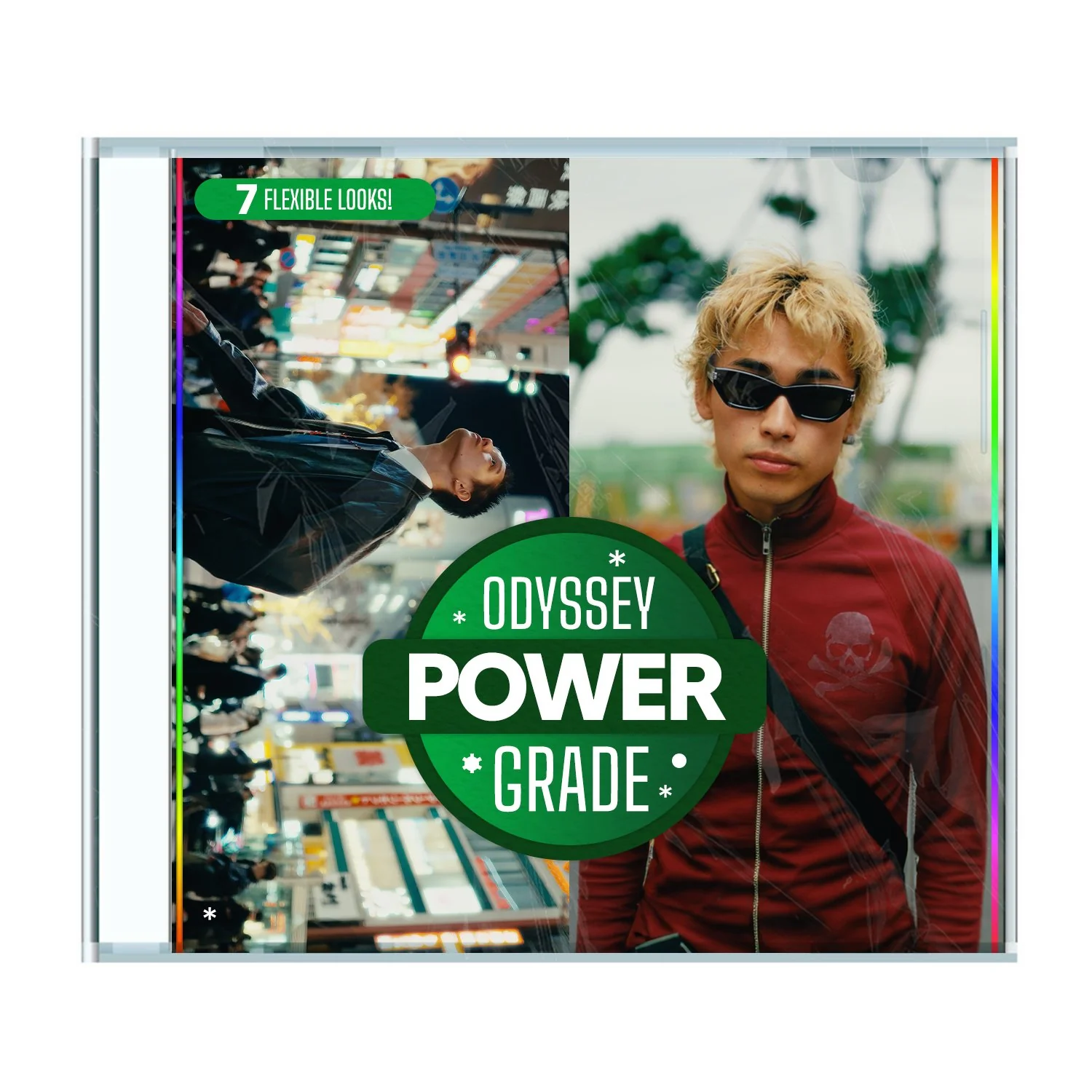
GAKUYEN – odyssey powergrade
The Exact Color Workflow I Use on Every Project — Now Yours. 7 Stylized Looks · Built-In Film Grain · Node-Based Control in DaVinci Resolve Take your footage from raw to cinematic with the Odyssey PowerGrade — a fully modular node-based grading system for DaVinci Resolve.Used across my commercial shoots, YouTube content, reels, and campaigns, this is the exact framework I’ve refined over time to achieve polished, filmic color — fast. What's in the File What’s Inside the Download: • .drx + .dpx...