
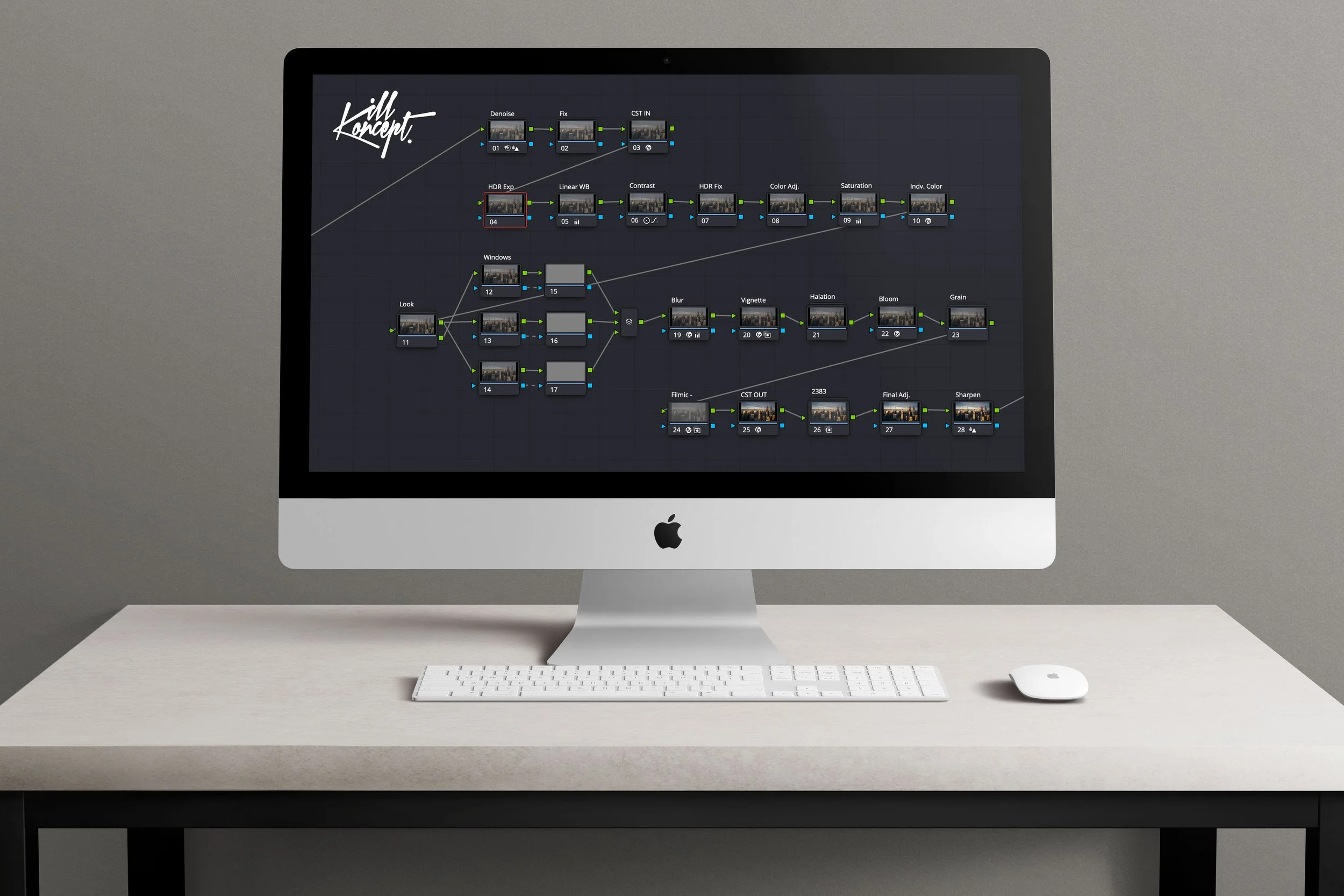
The Cinematic Reality Powergrade is a complete color grading workflow designed for DaVinci Resolve, built from the ground up using native Resolve tools to create cinematic, film-inspired color without relying on LUT packs or third-party plugins.
Rather than selling a single “look,” this Powergrade is designed as a flexible grading system that helps you convert footage properly, build contrast and color in a controlled way, and finish with a film-inspired print look and organic textures like halation, bloom, grain, and more.
This is the same workflow and grading structure I use for my latest films on YouTube, adapted into a system that works across many different cameras and skill levels.
Whether you’re new to color grading or already experienced and just want a fast, organized workflow, this Powergrade is designed to get you to a strong image quickly while still allowing full control and customization.
Here’s a video that demonstrates the powergrade in greater detail: https://youtu.be/vwaRjZ9xSgw
What This Is (and What It Isn’t)
This is not a LUT pack and it does not come with multiple pre-made looks.
Instead, this is a complete grading workflow and node tree system that:
- Converts footage properly
- Builds contrast and color in a structured way
- Adds film-inspired color density and saturation
- Includes optional film traits like halation, bloom, grain, and more
- Finishes with a Kodak 2383 film print emulation
- Allows you to customize and create your own look on top
Think of it as a color grading framework rather than a filter.
Included Powergrades / Camera Support
The download includes multiple versions of the Powergrade tailored to different camera systems and video formats, including:
- Apple Log
- ARRI LogC3
- Blackmagic Design Film Gen 5
- Canon C-Log3
- Custom CST to input any camera (8-bit & 10-bit)
- DJI D-Log M (Osmo Pocket 3, DJI drones)
- Fujifilm F-Log
- Fujifilm F-Log2
- Lumix / Panasonic V-Log
- Motion Picture Film Lab Scan
- Nikon N-Log
- Phone HDR video
- Sony S-Log2 (for 8-bit cameras)
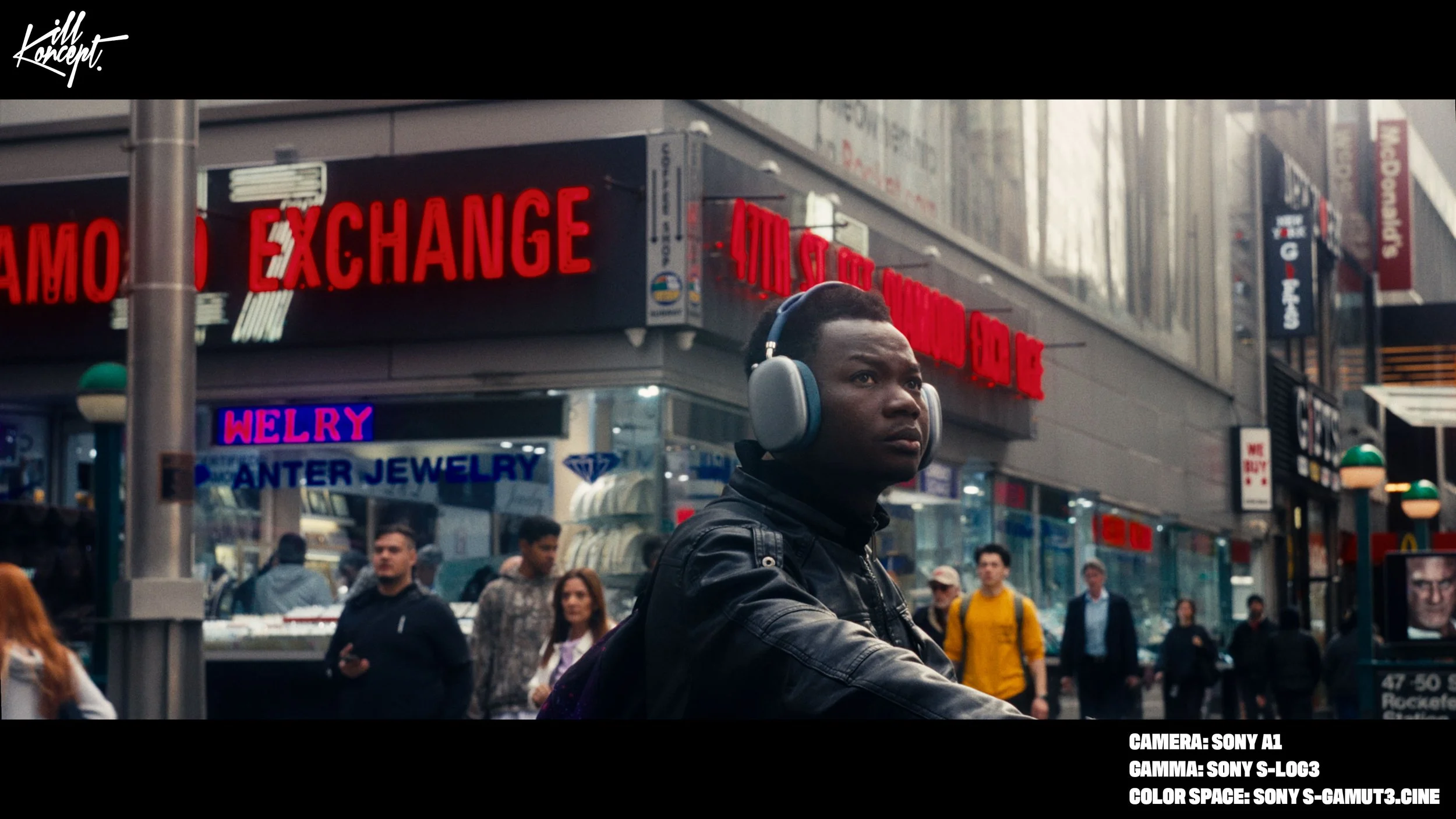
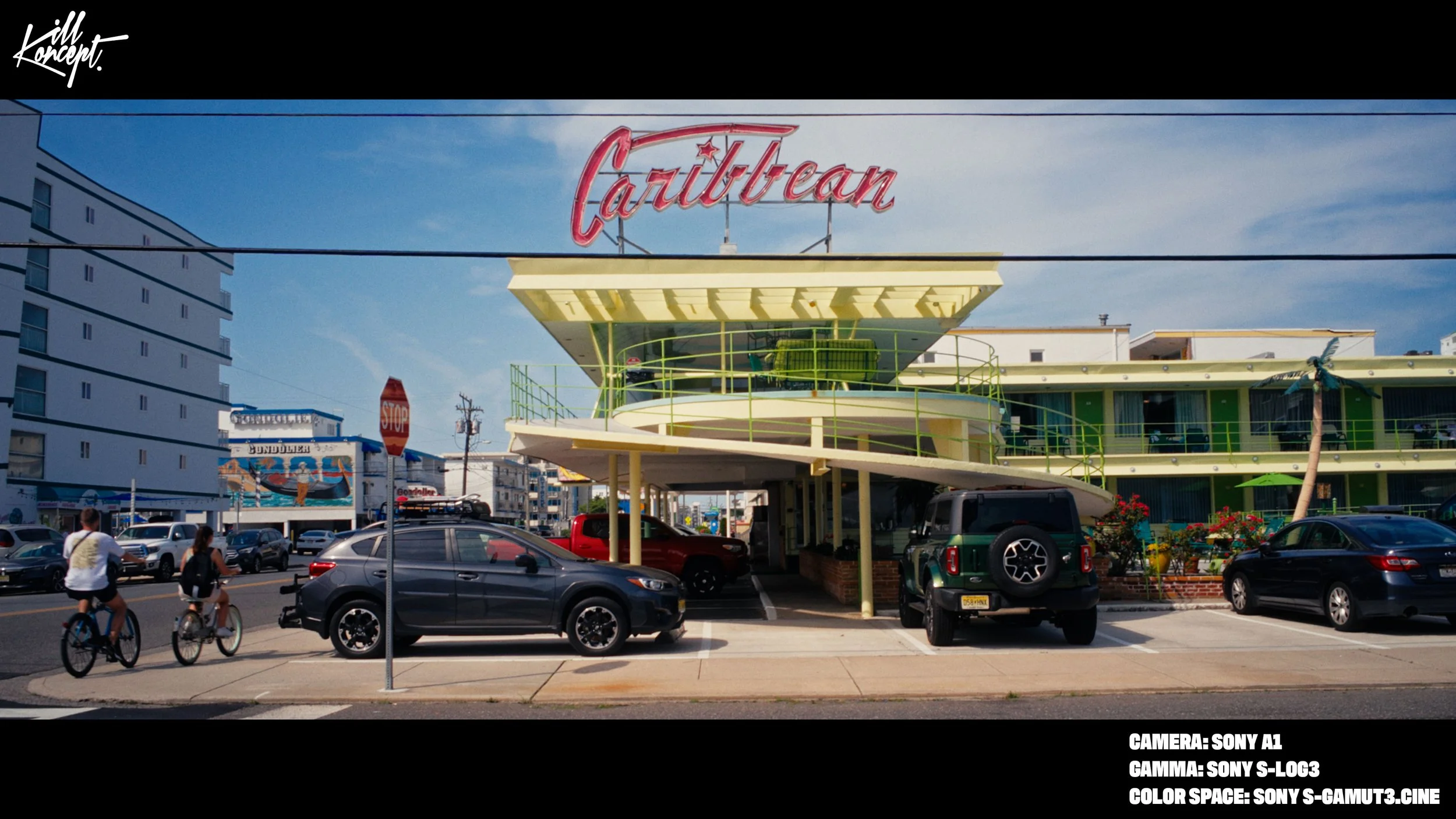
- Sony S-Log3
- Standard Color Profiles or Rec.709 footage
- If your camera or format is not listed, you can use the Custom CST Powergrade and manually input your camera’s color space and gamma.
Workflow Features
The node tree includes tools for:
- Noise reduction
- Dust Spot Removal (A Fix Node)
- Exposure correction (via HDR tools)
- Color space transforms and camera conversion
- White balance in linear space
- Contrast and tonal shaping
- Film-style saturation and color density
- Individual color adjustments
- Look building nodes
- Built-in parallel nodes for masking
- Halation
- Bloom
- Film grain
- Vignette
- Film print emulation (Kodak 2383)
- Final filmic adjustments and sharpening
Everything is organized so you can work from left to right and understand what each stage of the grade is doing.
Tutorial Included
This Powergrade also includes access to a in-depth tutorial video, where I walk through:
- How to install the Powergrade
- How to use it step by step
- How to adjust it for different cameras
- How to grade log footage, 8-bit footage, phone footage, DJI D-Log M, film scans, and problematic video
- Explanation of each node and what it does
- Display, DaVinci, export, and compression settings for YouTube

Comments0