
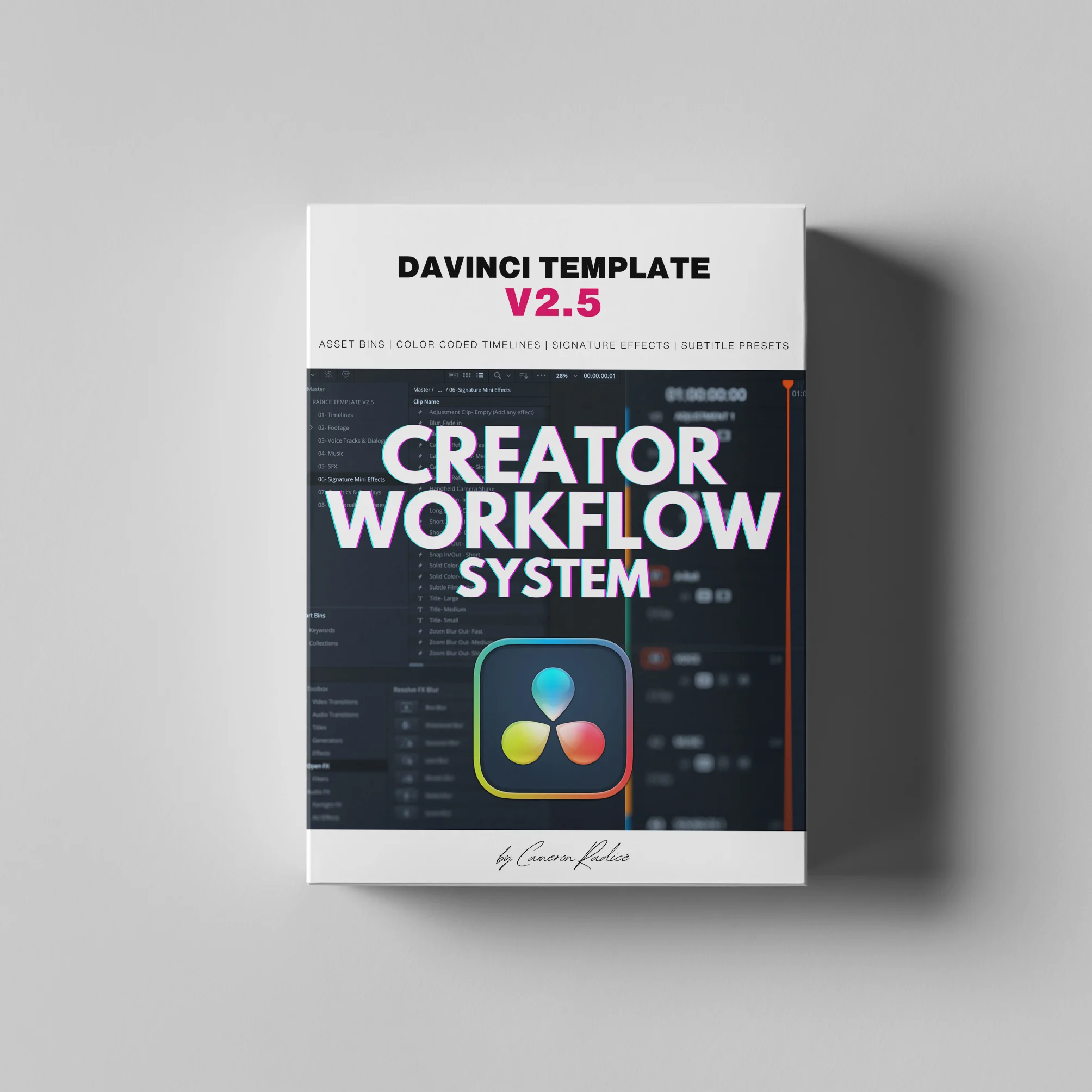
The Ultimate Davinci Resolve Template for Content Creators: Version 2.5
Ready to stop wasting time editing content?
Here’s exactly what you’ll get to build a faster, more organized workflow with this DaVinci Resolve template:
Join 800+ creators who use this system every day to stay organized and never second guess their workflow.
JUST UPDATED TO V2.5
Learn how to work smarter, not harder. Seriously.
This V2.5 template has been crafted from the ground up to maximize your:
- efficiency
- productivity
- organization
- creativity
- workflow
Once you’ve mastered this premium template, you’ll find it impossible to revert to “the old way” of making content.
Features of the Davinci Resolve Template for Reels V2.5:
- 8 asset bins to keep your content organized and ready to cut immediately.
- 14 color coded/labeled timelines:
- IG REELS 30 FPS
- IG FEED SQUARE 30 FPS
- IG STORIES 30 FPS
- FB REELS 30 FPS
- TIK TOK 30 FPS
- YOUTUBE SHORTS 30 FPS
- YOUTUBE LONGFORM HD 24 FPS
- YOUTUBE LONGFORM HD 25 FPS
- YOUTUBE LONGFORM HD 30 FPS
- YOUTUBE LONGFORM HD 60 FPS
- YOUTUBE LONGFORM 4K 24 FPS
- YOUTUBE LONGFORM 4K 25 FPS
- YOUTUBE LONGFORM 4K 30 FPS
- YOUTUBE LONGFORM 4K 60 FPS
- Audio Enhancement:
- Dynamics and EQ curves added to the voice track for clarity. Can be disabled or customized.
- Premixed levels for vocals, music, and SFX to ensure your music track won’t overshadow your voice track. Can be disabled or customized.
- “Mini Effect” Adjustment Layers (for 30 FPS timelines only):
- Key-framed blurs for text and graphic overlays
- Fast camera refocus effects
- Snap-ins / Snap-outs
- Zoom blurs
- Short and long zoom ins/outs
- Handheld camera shake
- White/black cards for plates, titles, and infographics
- Small, medium, and large text cards with customizable font and color
- Auto Captions Preset:
- Generate on-screen captions identical to those used in my reels with a single click. Customize font/color to your preference.
- Mini Video Course:
- Part 1: Template for Reels V2.5 Full Walkthrough (15 minutes)
- Part 2: Template for Reels V2.5 Customizing and Installing Presets (5 minutes)
- Part 3: Adding in Your Own Style and Re-Saving as Your Own Custom DRB Template (7 minutes)
Resource download
PriceVIP only
Only VIP downloadUpgrade VIP
Buy now
Comments0